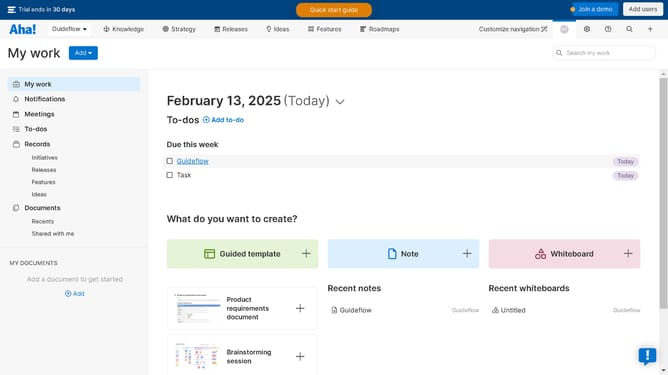
How to edit dashboard views on Aha!
Here is how to edit dashboard views on aha!
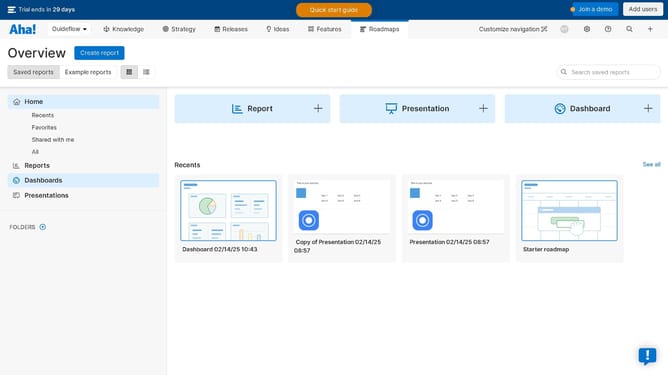
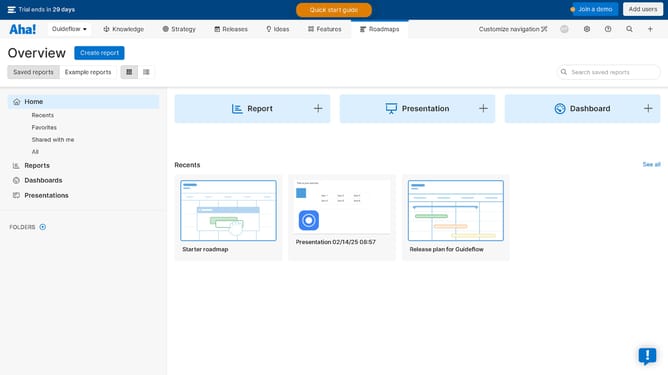
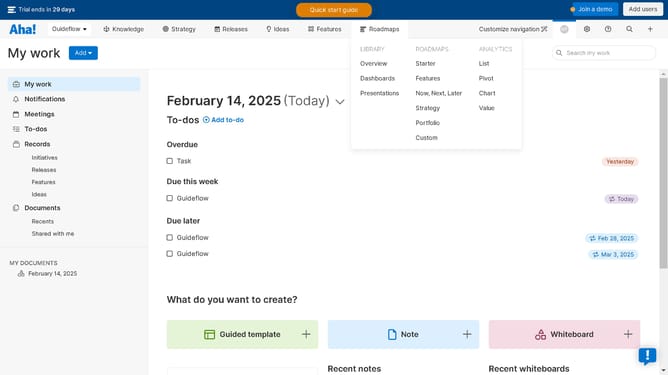
- First click on "Dashboards" in the left sidebar menu
- Then click on the card on the dashboard list panel
- Next click the "Views" button in the top right corner
- Click on "Edit dashboard details" from the dropdown menu
- Finally configure on the details panel of the dashboard to apply changes and updates
Why should you edit dashboard views on Aha!
Aha! is a powerful tool designed to streamline product management and strategic roadmapping.
Editing dashboard views on Aha! allows users to tailor their workspace for maximum efficiency. This feature enhances productivity by enabling customization to display the most relevant data.
With the ability to modify dashboard views, teams can prioritize tasks, monitor progress, and align efforts easily. This ensures that all essential information is at your fingertips, simplifying decision-making and facilitating seamless collaboration.
Last update