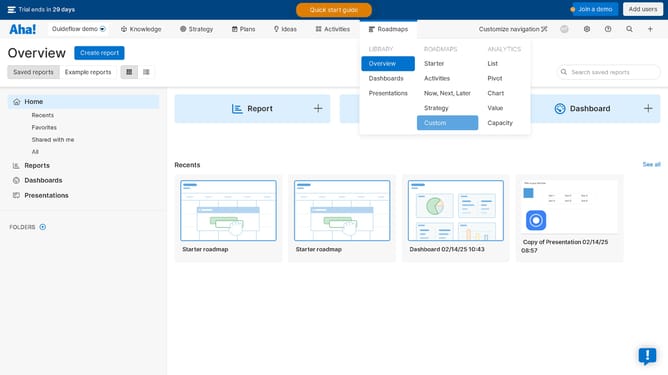
How to add record details to a Starter roadmap on Aha!
Here is how to add record details to a starter roadmap on aha!
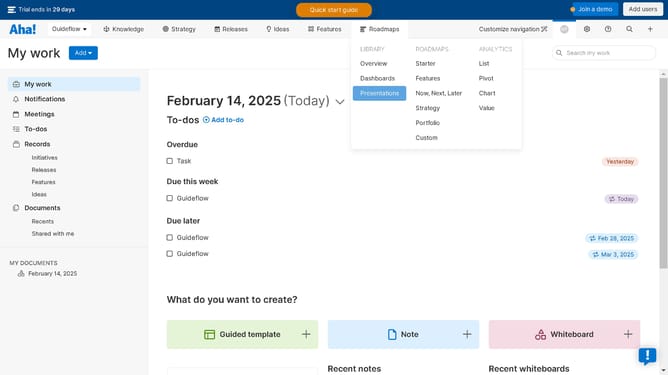
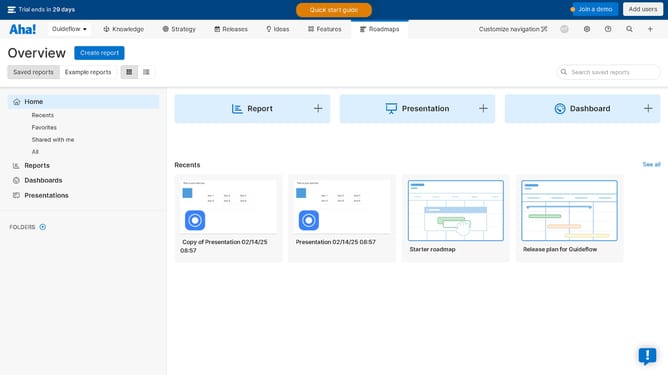
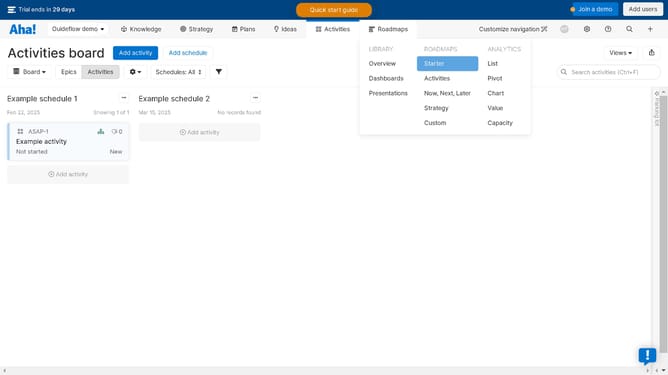
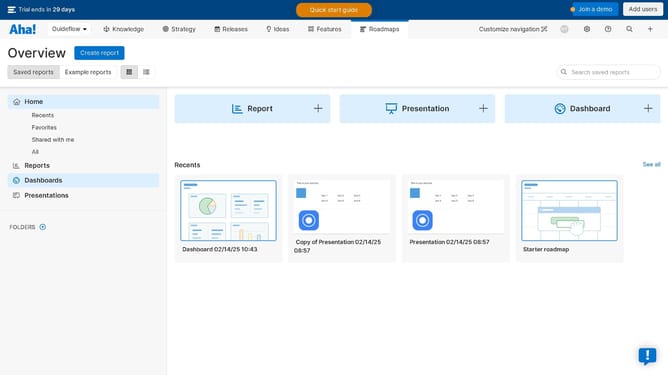
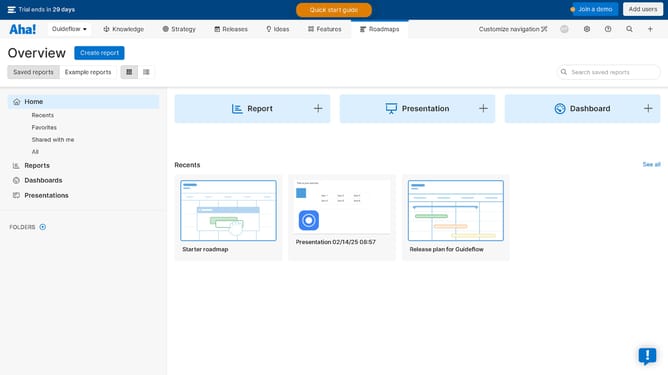
- First click on the "Roadmaps" tab in the top navigation menu
- Then click on the "Views" button in the upper right corner
- Next click on "Edit view details" option in the Views dropdown menu
- Finally configure on the report panel in the popup window to record the details of your roadmap
Why should you add record details to a Starter roadmap on Aha!
Aha! is a comprehensive roadmap and project management tool designed to streamline strategic planning and collaboration.
Adding record details to a Starter roadmap on Aha! enhances the clarity and depth of your project roadmap.
This feature allows you to integrate key information directly into your roadmap, ensuring that every team member has access to detailed and up-to-date project insights. By centralizing important project details, teams can achieve better alignment and more efficient communication.
Ultimately, this leads to more informed decision-making and successful project outcomes.
Last update