How to create a to-do on Aha!
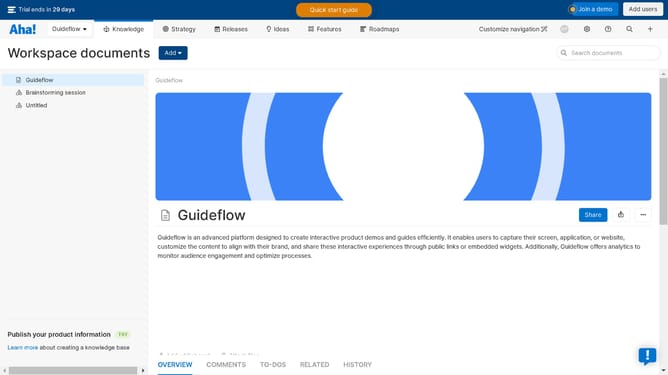
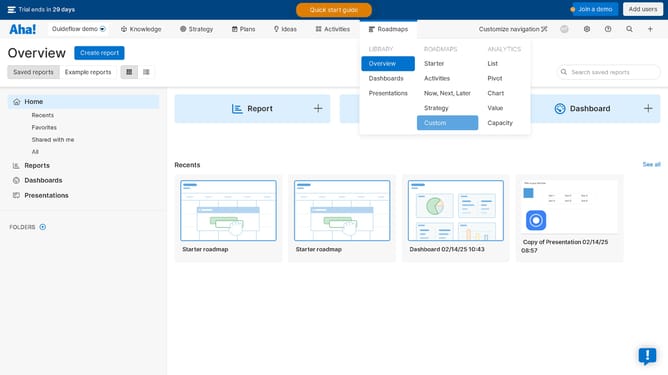
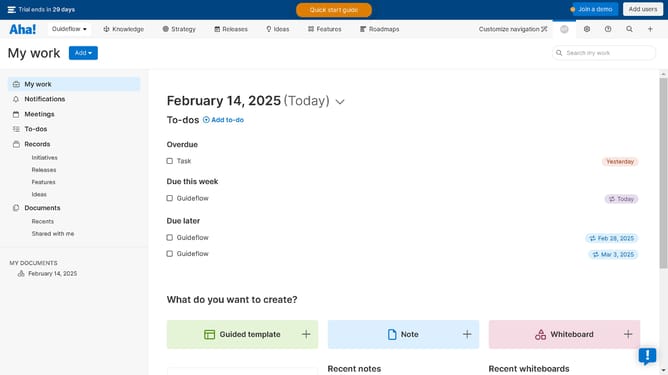
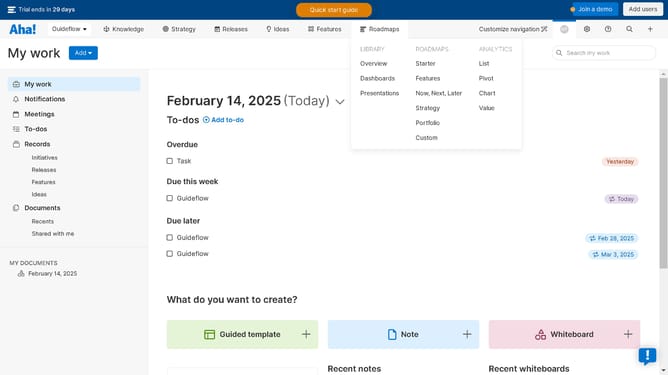
Here is how to create a to-do on aha!
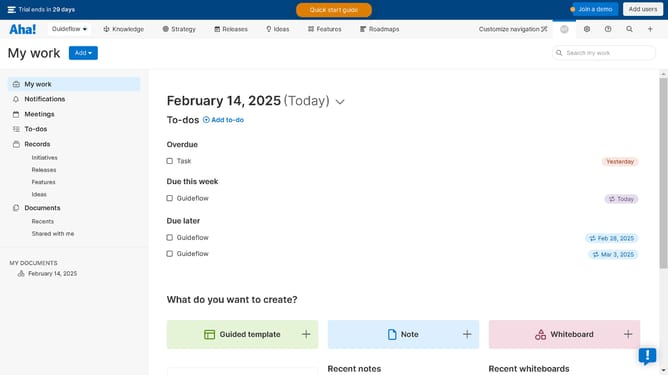
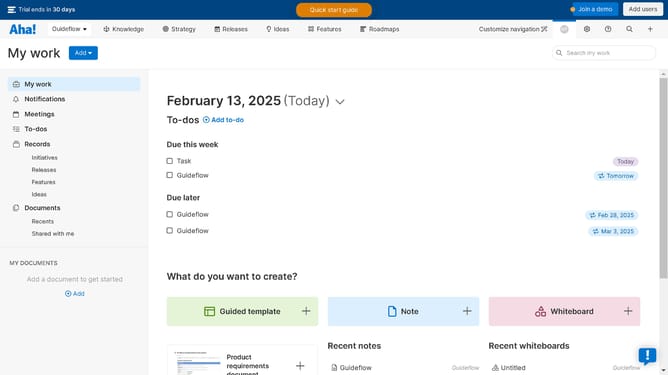
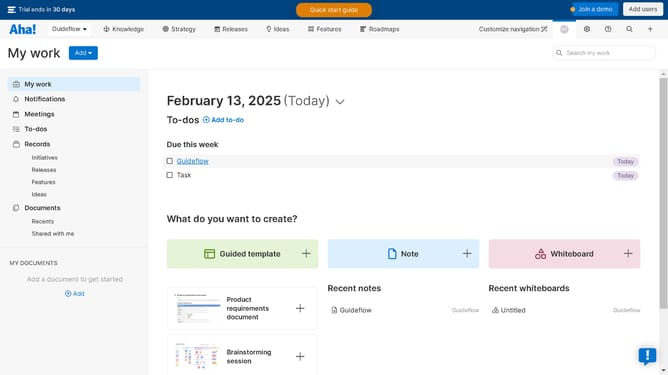
- Finally click on the "Add" button on the top right corner of the navigation menu
- Next click on the "To-do" button to create your new to-do form
- Then fill in the required text fields provided by the to-do list window panel
- Finally click on the bot the "Create to-do" button to finish making your own notes
Why should you create a to-do on Aha!
Aha! is a sophisticated platform designed to foster strategic planning and innovative product development.
Creating a to-do on Aha! is an intuitive process that seamlessly integrates into your workflow.
This feature helps prioritize tasks, ensuring your goals are organized and achievable.
By centralizing what needs to be done, it aids in enhancing productivity and keeping teams aligned.
Last update