How to publish a presentation on Aha!
Here is how to publish a presentation on aha!
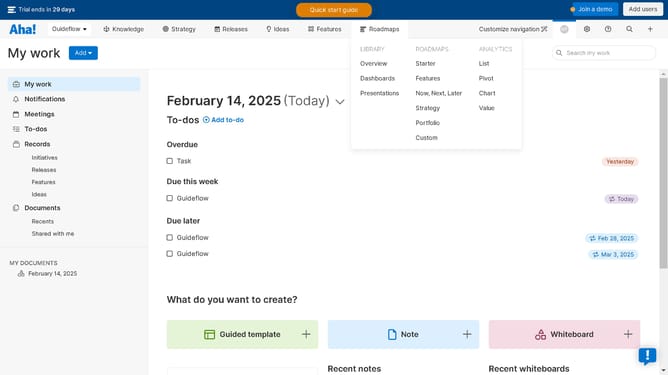
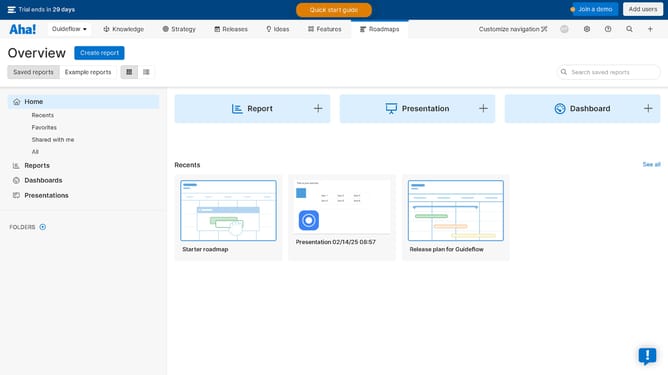
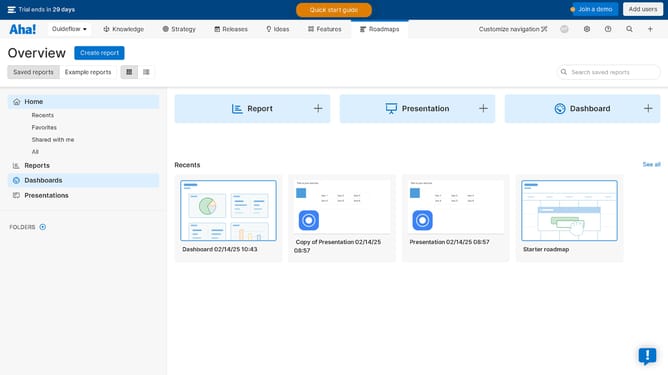
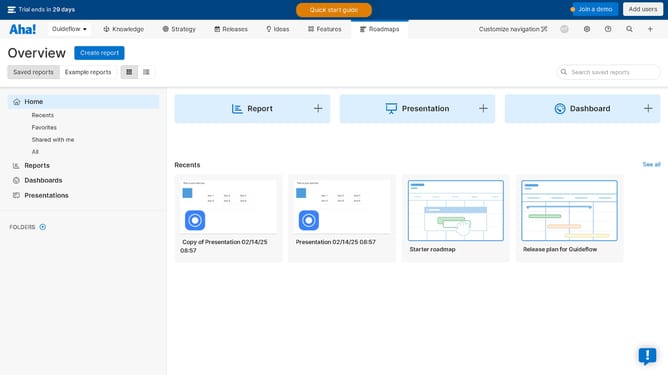
- First click on "Presentations" in the left sidebar menu
- Then click on the presentation in the presentations list
- Next click on the "Share" button in the top-right corner of the presentation editor
- Then click on "Shared as webpage" option in the share menu
- Next click on the toggle in the sharing options
- Then click on "Copy link" button to copy the shareable link
- Finally click on "Save" button to save the sharing settings
Why should you publish a presentation on Aha!
Aha! is a dynamic platform designed to streamline product management processes effortlessly.
With the feature to publish presentations directly on Aha!, users can seamlessly share their ideas and strategies with stakeholders in an engaging format.
Utilizing this feature ensures consistency in message delivery, allowing teams to align their objectives effectively. It enhances collaboration, as stakeholders have access to the same clear and compelling material.
This capability ultimately drives visibility and understanding across all levels of a project.
Last update