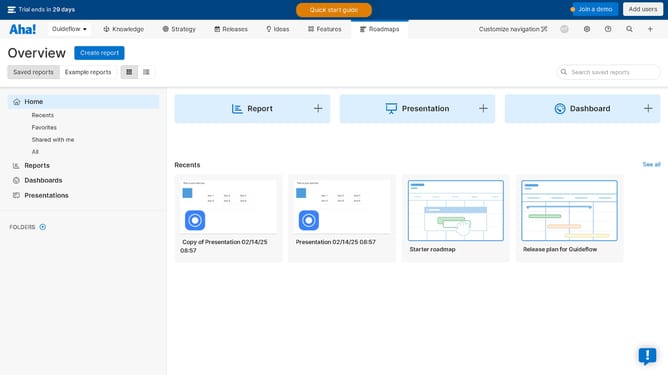
How to edit the name of an object on a roadmap on Aha!
Here is how to edit the name of an object on a roadmap on aha!
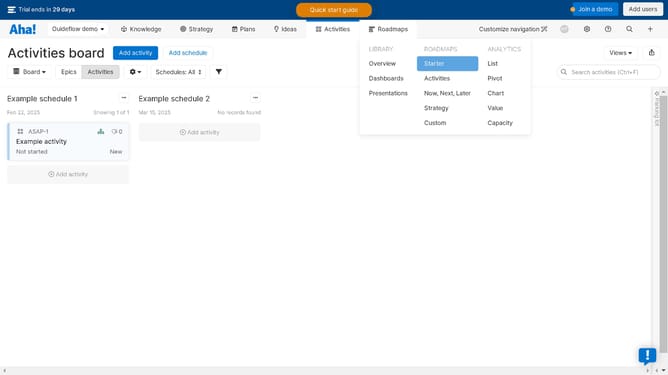
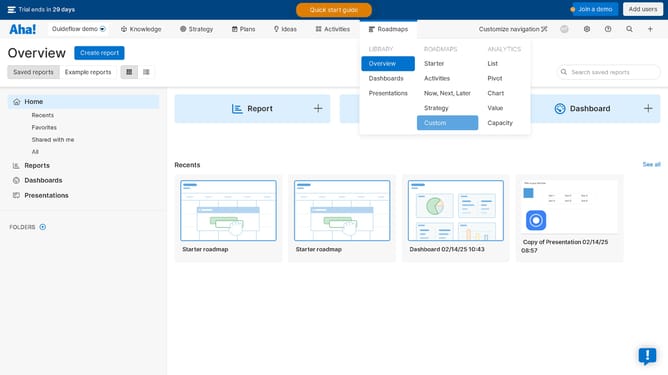
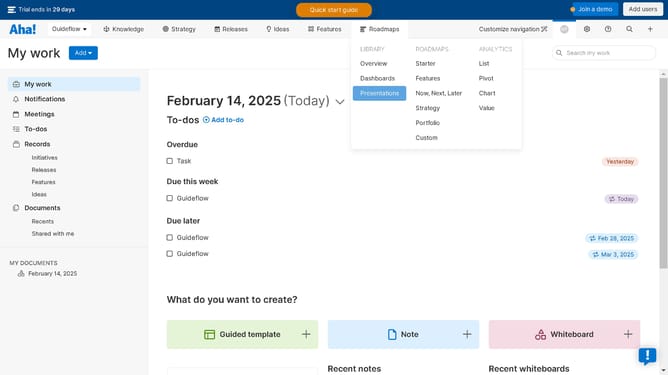
- First click on the "Roadmaps" link in the top navigation menu
- Then click on the "Example release 1" bar in the timeline view
- Finally click on "Edit name" option in the context menu and rename the object
Why should you edit the name of an object on a roadmap on Aha!
Aha! is a robust platform designed to help teams build and share compelling visual roadmaps with ease.
One key feature is the ability to edit the name of objects on a roadmap, allowing you to keep your projects organized and accurately described.
By refining these names, you enhance clarity and communication across your team, ensuring everyone is aligned and informed.
This flexibility boosts efficiency and adapts the roadmap as your plans evolve, promoting strategic alignment and collaborative progress.
Last update