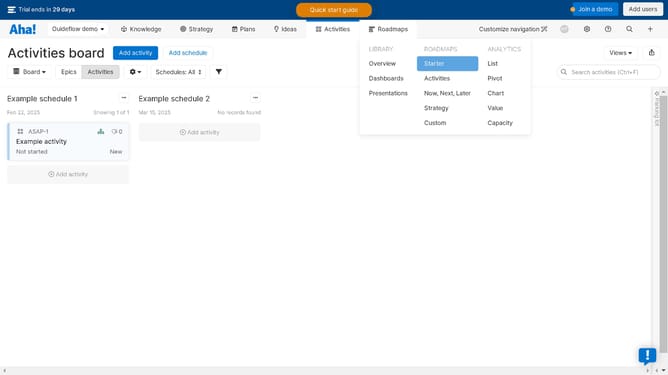
How to assign to-dos on Aha!
Here is how to assign to-dos on aha!
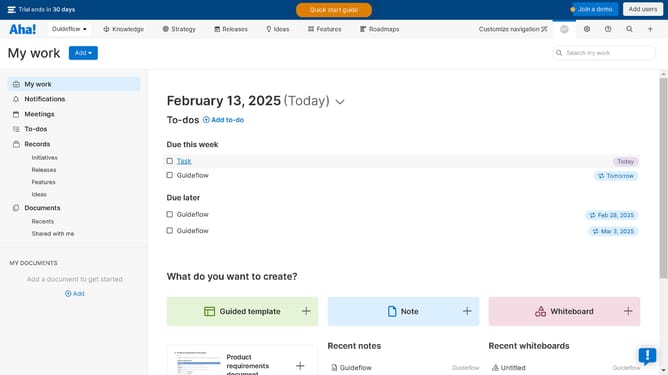
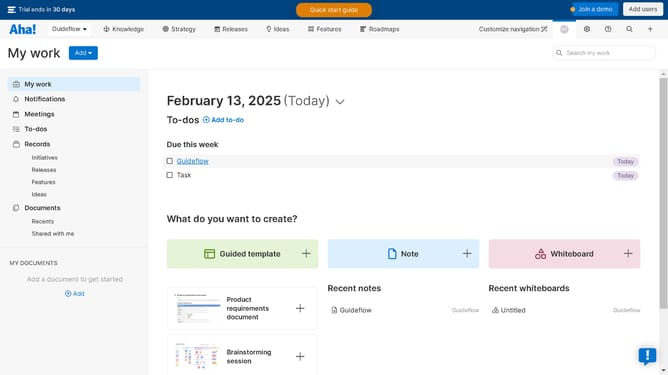
- First click on the task item in the to-do section of the main content area
- Then click the "Assign" button in the task details panel
- Finally click on the recipient from the assignee dropdown menu
Why should you assign to-dos on Aha!
Aha! is a powerful tool designed to enhance product management and strategic planning.
The ability to assign to-dos in Aha! elevates project collaboration by allowing team members to clearly designate responsibilities.
This feature not only streamlines task delegation but ensures accountability, mitigating any chances of miscommunication in task assignments.
Ultimately, utilizing to-dos in Aha! enhances productivity, as team members can focus on their specific tasks, contributing to a more organized and efficient workflow.
Last update