How to build your product goal on Aha!
Here is how to build your product goal on aha!
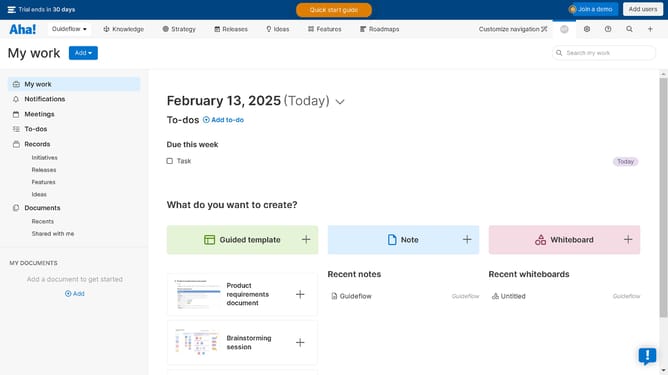
- First click on the "Strategy" tab in the top navigation menu
- Then click the "Add" button in the Strategic goals section
- Next fill in the required fields of the goal creation modal window
- Then click the "Create goal" button after filling in the goal details
- Finally click on the newly created goal and configure the description panel on the ride side area
Why should you build your product goal on Aha!
Aha! empowers teams to strategically create roadmaps and achieve product success.
Building your product goal on Aha! harnesses clarity and focus, driving your team towards meaningful achievements.
This feature allows you to define success objectives, ensuring alignment across the organization.
Using Aha! for product goals fosters transparency and helps track progress, ultimately enhancing team collaboration and outcome predictability.
Last update