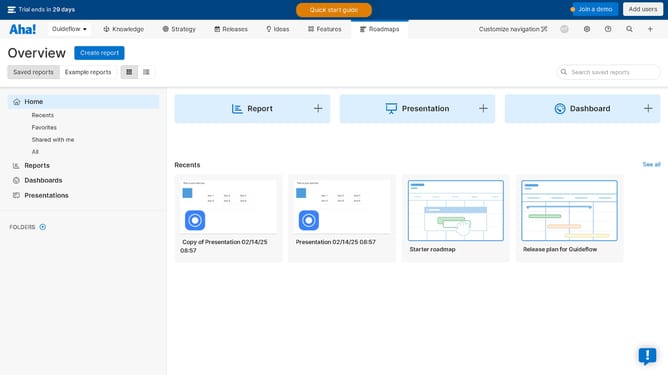
How to edit slides presentation on Aha!
Here is how to edit slides presentation on aha!
- First click on "Text" button in the top toolbar
- Next click on "Shape" button in the top toolbar
- Then click on the shape you want to insert from the shapes panel
- Next click on "Table" button in the top toolbar
- Then click on the cell to create a 3x3 table grid
- Then click on "Add slide" button to create a new slide
- Click on the "Image" button in the file upload modal
- Next click on the "Select files" to choose an image to insert in the presentation
- Finally click the "Attach" button to apply the image
Why should you edit slides presentation on Aha!
Aha! is an innovative roadmap software designed to help teams build and share visual product strategies effectively.
The ability to edit slides within Aha! offers enhanced flexibility to tailor presentations to suit your audience's needs precisely.
This feature allows users to swiftly make changes, ensuring that everyone stays informed with the latest strategic developments.
Aha!'s slide editing capabilities streamline the process of communicating plans, making collaboration more productive and impactful.
Last update