How to lock an object on a whiteboard in Aha!
Here is how to lock an object on a whiteboard in aha!
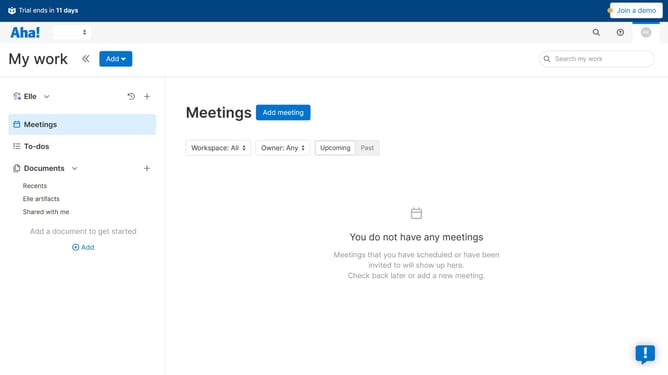
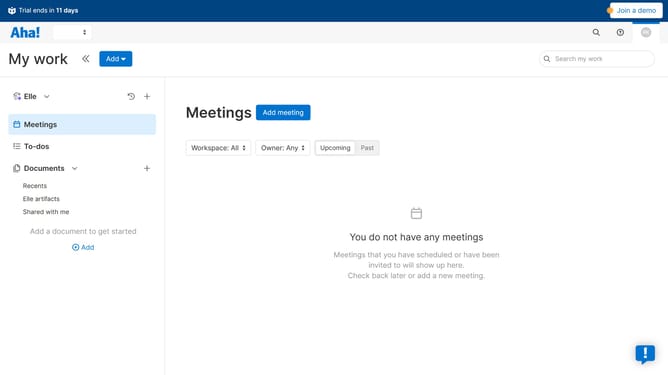
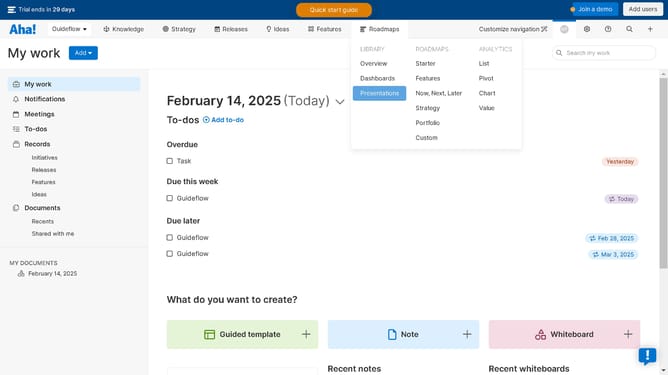
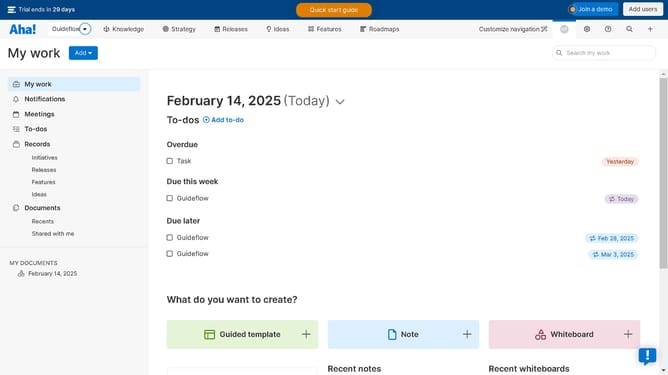
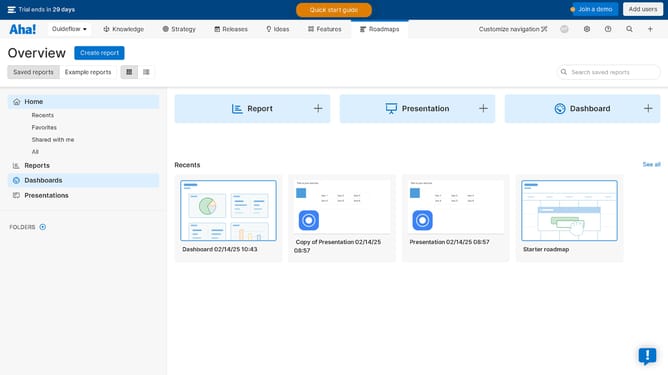
- First click on the dropdown arrow next to "Aha!" in the header
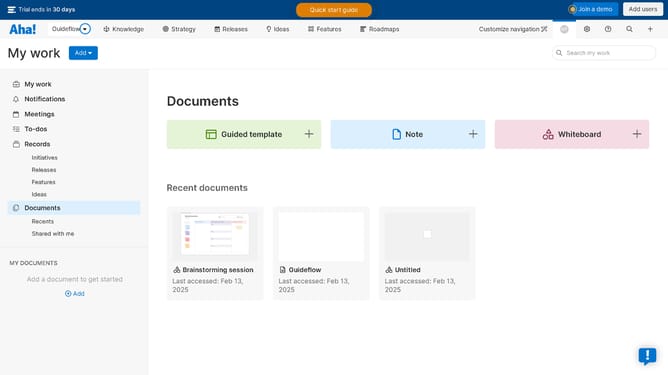
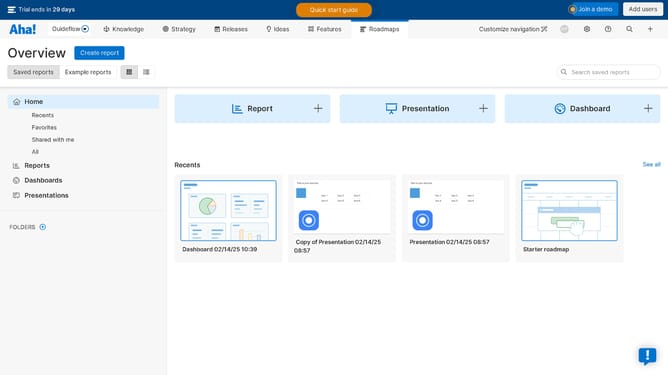
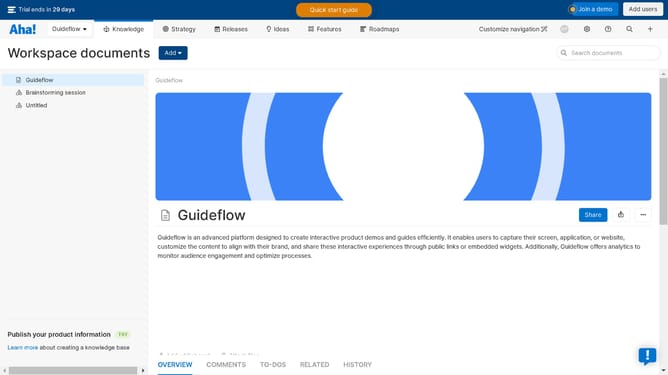
- Then click on your workspace in the menu list
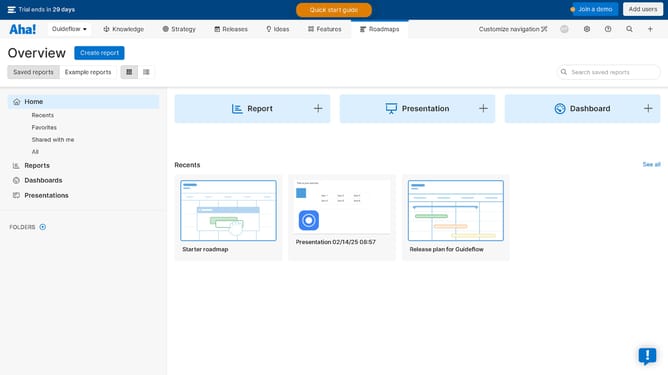
- Next, click on the whiteboard where you want to lock an object
- Then click on the object that you want to lock
- Finally, click on the lock icon in the top menu
Why should you How to lock an object on a whiteboard in Aha!
Aha! is a powerful tool designed to elevate your strategic planning and roadmapping efforts.
The locking feature on Aha! whiteboards plays a crucial role in maintaining the integrity and organization of shared visual presentations.
By locking an object, users can ensure that key elements remain in place, preventing unwanted changes and preserving the intended design.
This functionality promotes collaboration by allowing teams to focus on discussion and innovation without worrying about accidental disruptions.
Last update