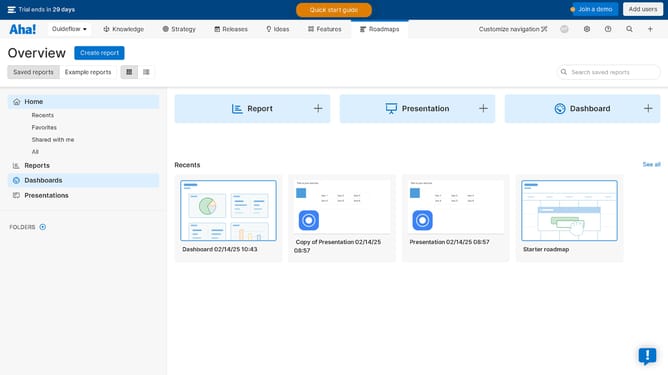
How to show the knowledge base title in Aha!
Here is how to show the knowledge base title in aha!
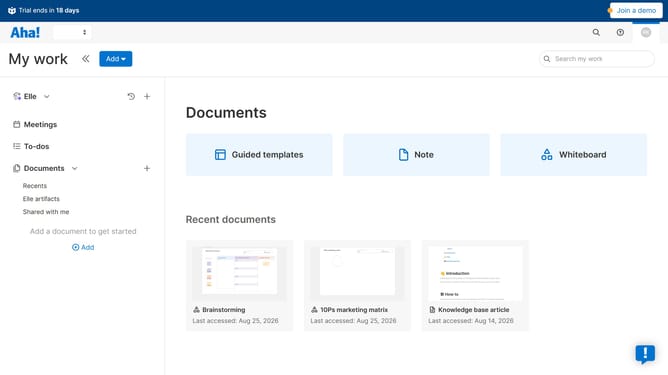
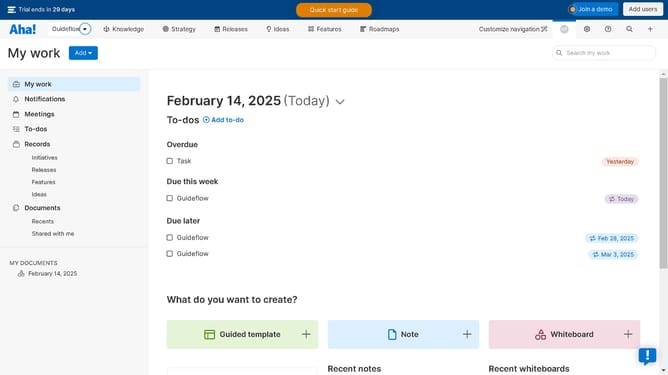
- First click on the dropdown arrow next to "Aha!" in the header
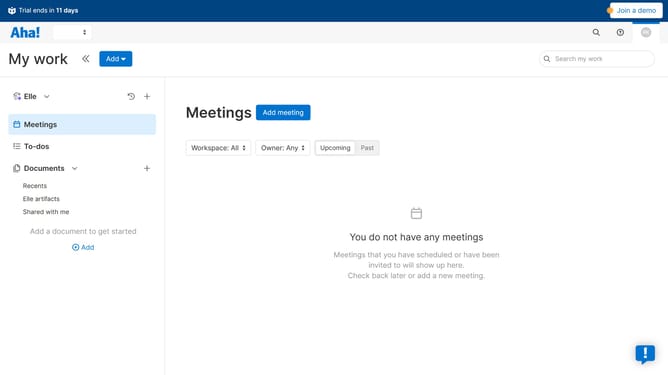
- Then click on your workspace in the menu
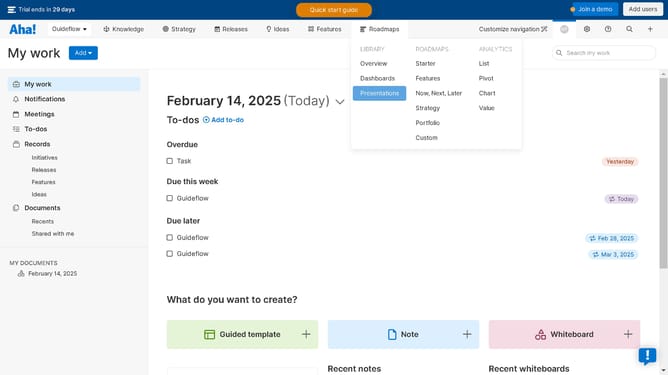
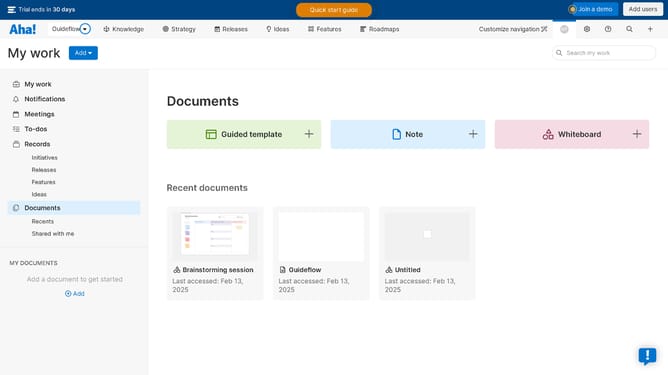
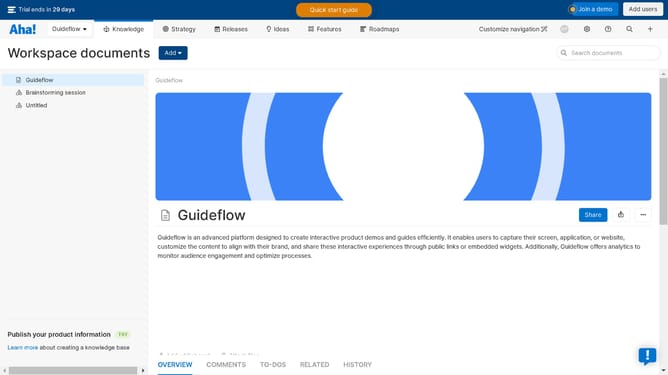
- Next, click on the "Knowledge" tab in the header
- Then click on the "Overview" tab under the "Knowledge Base" section
- Then hover your mouse cursor over a knowledge base
- Then click on the three-dots icon
- Next, click on the "Edit" option from the dropdown menu
- Next click on the "HOMEPAGE" option in the header
- Then scroll down in the main content area
- Finally, click on the "Show knowledge base title" checkbox
Why should you How to show the knowledge base title in Aha!
Aha! is a powerful tool designed to streamline product management and strategy.
One standout feature is the ability to show the knowledge base title. This functionality enhances user experience by providing immediate context, making navigation through resources effortless.
Displaying the knowledge base title offers clear, accessible information at a glance, ensuring users quickly find what they need. In turn, this promotes efficiency and improved decision-making processes.
By capitalizing on this feature, teams can maintain a more organized and coherent flow of information, which ultimately drives productivity and innovation.
Last update