How to make an image HiDPI in Webflow
Here is how to make an image hidpi in webflow
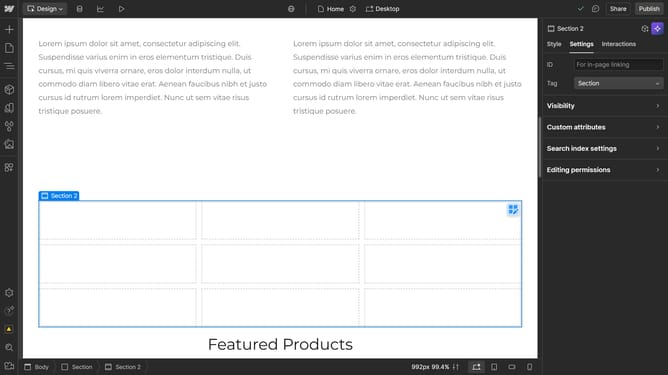
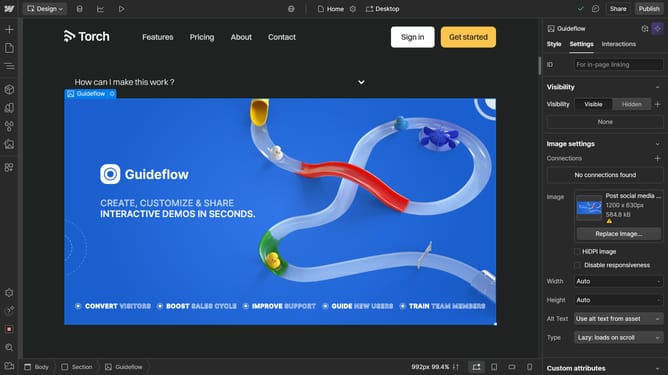
- First click the image in the main content area
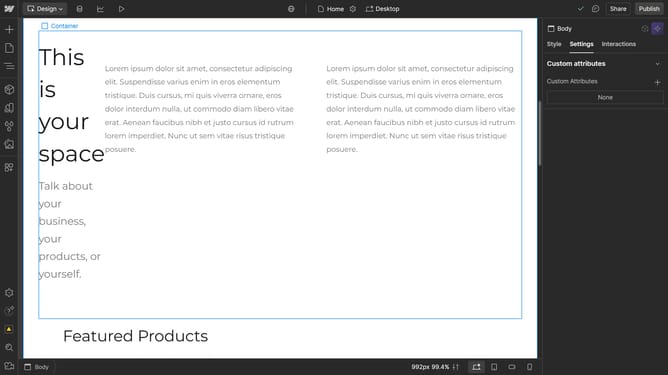
- Then click on the "Settings" tab in the right sidebar
- Next click on "Image settings" option in the settings panel
- Finally select the "HiDPI image" checkbox in the image settings section
Why should you make an image HiDPI in Webflow
Webflow is a versatile platform that empowers users to design and build responsive websites without coding.
Making an image HiDPI in Webflow ensures your visuals appear crisp and clear on high-resolution displays, enhancing the overall user experience.
This feature optimizes images for retina screens, catering to today's tech-savvy audience. Users benefit from superior image quality that boosts both aesthetic appeal and professional presentation.
By leveraging HiDPI images, you maintain visual consistency, crucial for engaging and retaining site visitors.
Last update