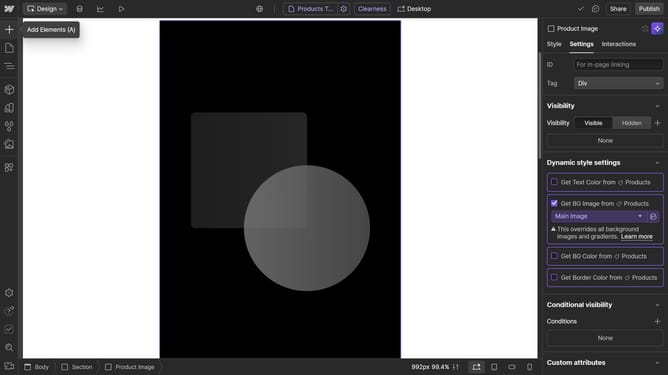
How to duplicate a class in Webflow
Here is how to duplicate a class in webflow
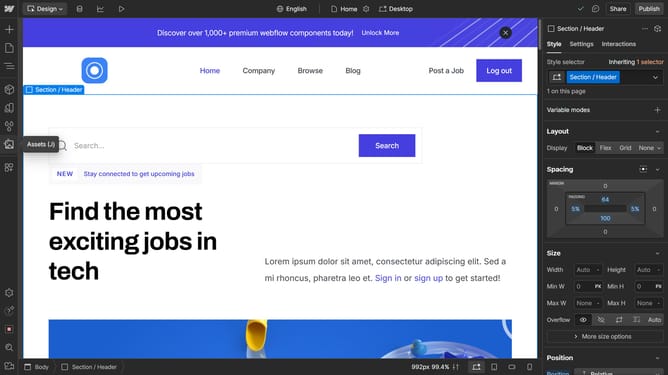
- First click on the "Style" tab in the right sidebar menu
- Then click on the dropdown in the Style selector section of the right sidebar
- Finally click on "Duplicate class" option in the dropdown menu that appears
Why should you duplicate a class in Webflow
Webflow is an innovative design tool that empowers users to build professional websites visually, embracing flexibility and creativity.
Duplicating a class in Webflow streamlines the process of maintaining design consistency across multiple elements. By reusing styles efficiently, you save both time and effort when creating a cohesive visual experience.
This powerful feature helps you quickly replicate design attributes, ensuring uniformity without the repetitive task of re-entering styling details. Ultimately, it enhances productivity and encourages a seamless design workflow.
Last update