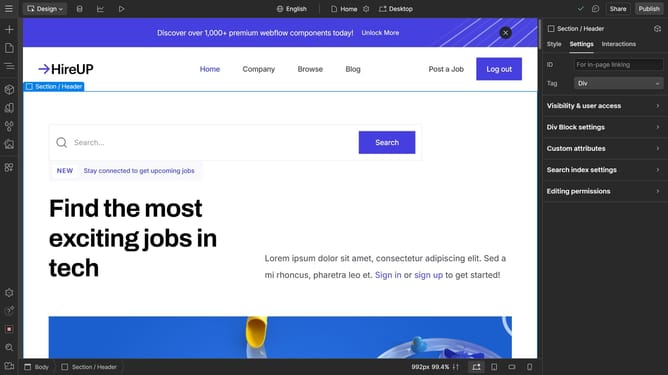
How to remove a duplicate class in Webflow
Here is how to remove a duplicate class in webflow
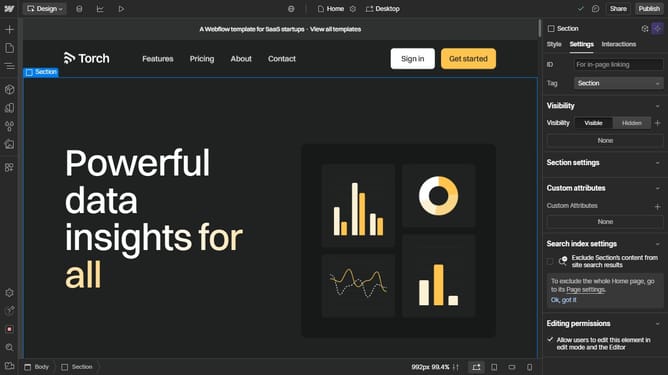
- First click on the "Style Selectors" icon in the left sidebar to open the style panel
- Then click on the "Search styles" textbox in the style panel to start searching for styles
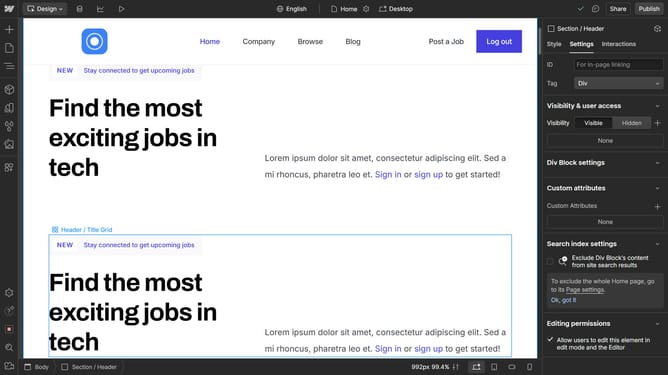
- Next type "Copy" in the search field to filter for copy-related styles
- Then click on the "Wrench" icon next to the style
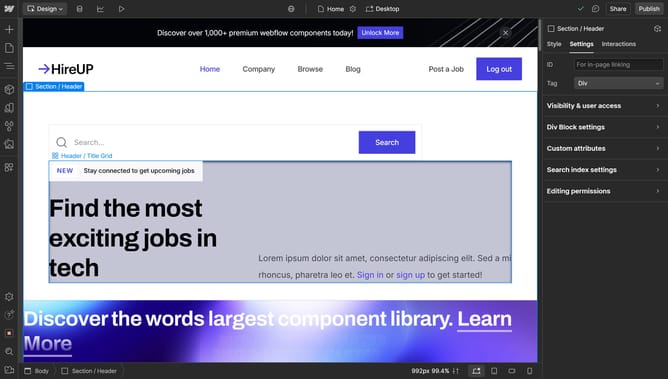
- Finally click on the "Delete" icon next to the style name
Why should you remove a duplicate class in Webflow
Webflow is a dynamic tool designed to unleash creativity in web design without coding.
Managing duplicate classes in Webflow is intuitive and efficient, enhancing the ease of maintaining your project's structure and style.
Removing a duplicate class in Webflow simplifies your workflow, helping you avoid clutter while ensuring consistent styling across your website.
This feature streamlines the design process, saves time, and enhances the manageability of your styles, fostering a more organized and effective creative environment.
Last update