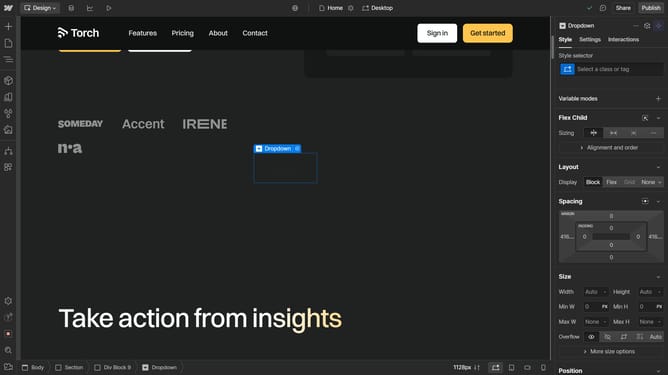
How to rename a class in Webflow
Here is how to rename a class in webflow
- First click on the "Style selector" in the left sidebar
- Then enter the class name on the search field
- Next, click on the "Wrench" icon at the right side of the class
- Rename your class
- Finally click on the "Check" button to confirm your changes
Why should you rename a class in Webflow
Webflow empowers designers to create visually stunning websites without coding knowledge.
Renaming a class in Webflow is a simple yet powerful feature that enhances design efficiency. It allows you to organize your style system with precision, making your project's structure more intuitive.
This feature promotes cleaner code management, minimizes confusion, and streamlines the creative process. By renaming classes accurately, you ensure a cohesive design experience, ultimately saving time while maintaining aesthetic harmony.
Last update