How to center a button in Webflow?
Here is how to center a button in webflow
- First open the "Add Elements" panel in the left sidebar
- Next scroll down or search for the Button element directly in the search field
- Then click and drag it to the desired location
- Buttons are treated like any other element, so centering them follows the same process
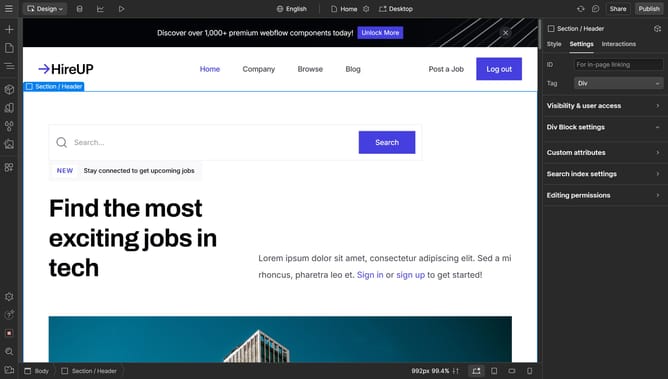
- To center the button, select the div or section containing it
- Then go to the Style tab on the right sidebar, and find the "Layout" section
- In the display settings, select Flex
- And now to Align, choose the center position in the box or adjust it manually along the axes
- You’ll notice that the button is now aligned to the center
Why should you center a button in Webflow?
Webflow is a powerful design tool that provides creative freedom without code constraints.
Centering a button in Webflow enhances the visual harmony of your site, drawing user attention precisely where needed. Using Webflow’s intuitive interface, positioning elements like buttons becomes effortless and ensures a seamless user experience.
This feature enables designers to focus on creativity and user engagement, saving time and improving workflow efficiency. A centered button can lead to higher interaction rates, making your web designs not just visually appealing but functionally effective.
Last update