How to replace an image in Webflow
Here is how to replace an image in webflow
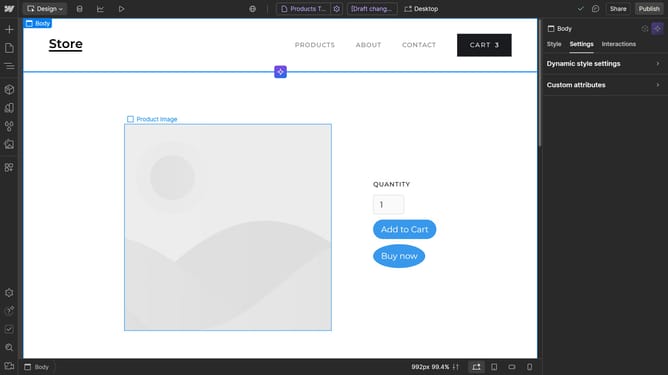
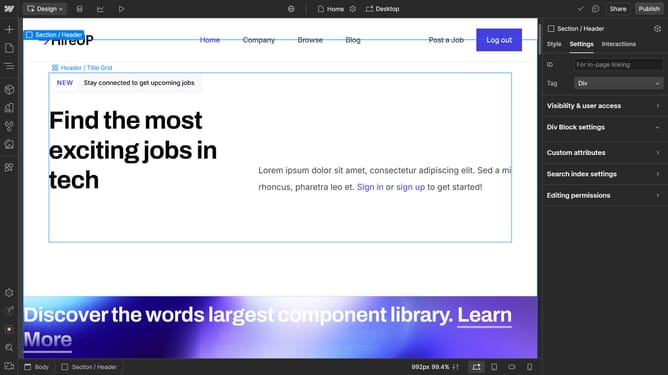
- First click on the image you want to replace
- Then click on the "Replace Image..." button in the right sidebar settings panel
- Finally click on new image you want to use
Why should you replace an image in Webflow
Webflow empowers designers to build professional, custom websites visually.
The feature of replacing an image in Webflow offers a streamlined way to update visuals without disrupting the overall design. This flexibility supports creative updates as trends evolve or when rebranding, ensuring that the site stays fresh and engaging.
Regularly replacing images can enhance website aesthetics and improve user engagement, ultimately driving a more dynamic online presence. With Webflow, updating your visuals becomes an effortless part of the design process.
Last update