How to change the positioning to Absolute in Webflow
Here is how to change the positioning to absolute in webflow
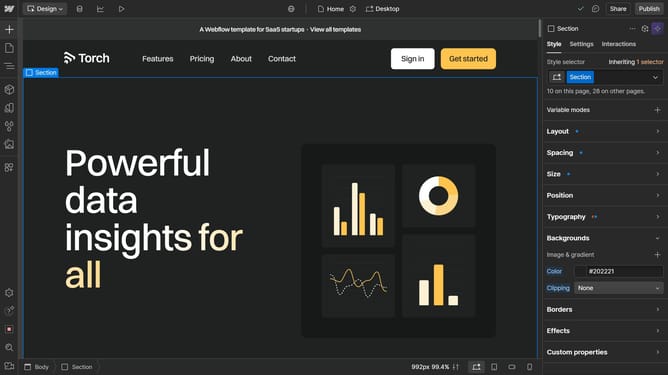
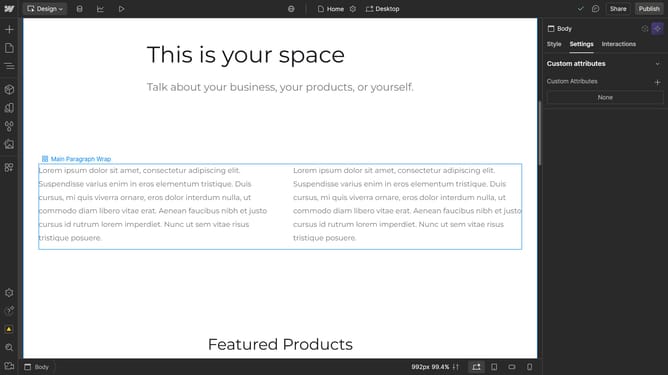
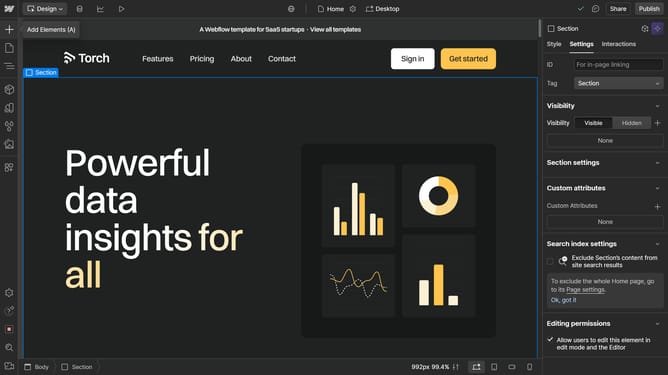
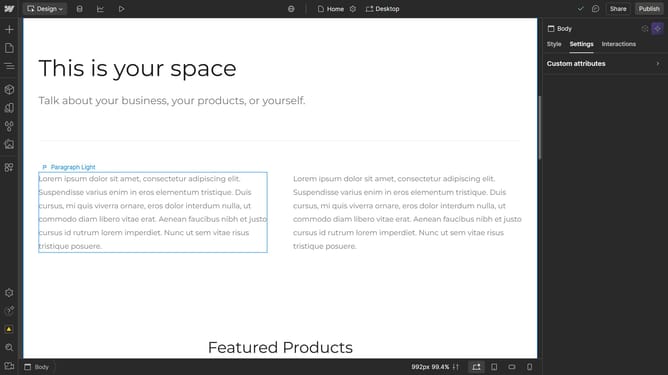
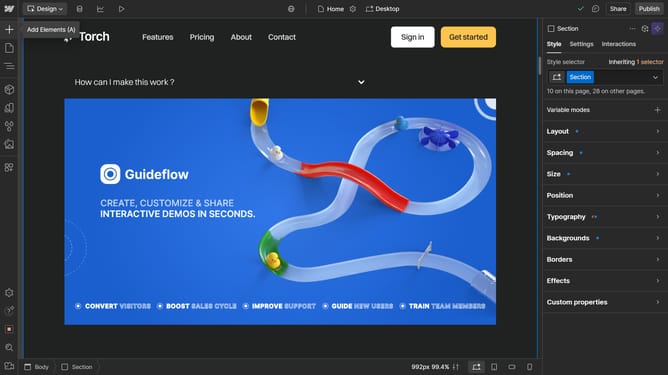
- First click on the element you want to reposition
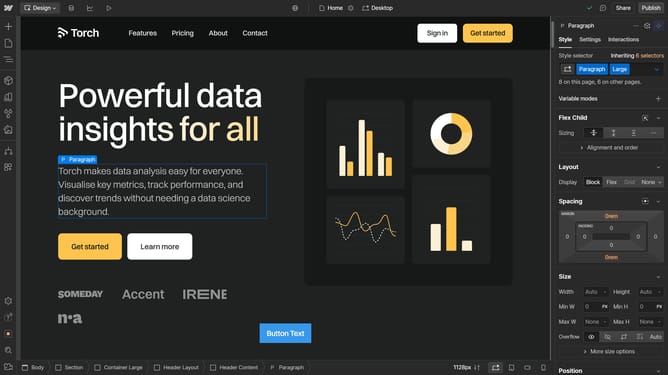
- Then click on the "Style" tab in the right sidebar
- Next click on the "Position" option in the style settings panel
- Then click on the "Static" dropdown in the Position settings
- Finally select "Absolute" from the position type dropdown menu
Why should you change the positioning to Absolute in Webflow
Webflow is a robust platform that empowers designers to build professional-grade websites without coding.
Changing the positioning to Absolute in Webflow allows elements to be precisely placed anywhere within their containing element.
This feature is beneficial for creating custom layouts and designs, giving you complete control over your website’s aesthetic and functionality.
Utilizing absolute positioning can enhance your design's uniqueness, improving user experience with a meticulously crafted interface.
Last update