How to link an email in a dropdown in Webflow
Here is how to link an email in a dropdown in webflow
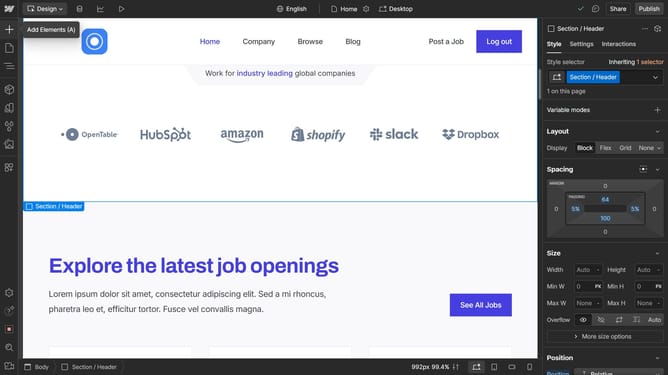
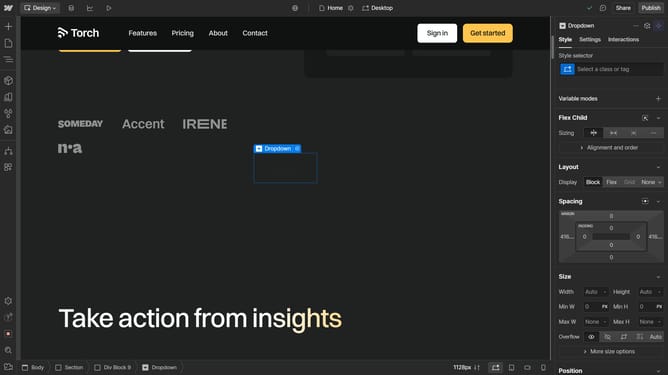
- First click on the "Dropdown Toggle" element in the main content area
- Then in the right sidebar panel, click the "Show" option under Menu settings
- Next click on the "Dropdown Link" element in the dropdown menu
- Then in the right sidebar, click the "Email" icon under Link settings
- Finally click in the "Email" input field to enter an email address
Why should you link an email in a dropdown in Webflow
Webflow is a versatile tool for creating dynamic websites without coding.
Adding an email link in a dropdown within Webflow enhances interactivity by allowing users to directly contact you from various sections of your website.
This feature is especially beneficial for businesses and professionals who want to facilitate easy communication with their audience.
By embedding email links seamlessly, you not only improve user experience but also boost engagement and professional accessibility.
Last update