How to make elements uneditable in the legacy Editor in Webflow
Here is how to make elements uneditable in the legacy editor in webflow
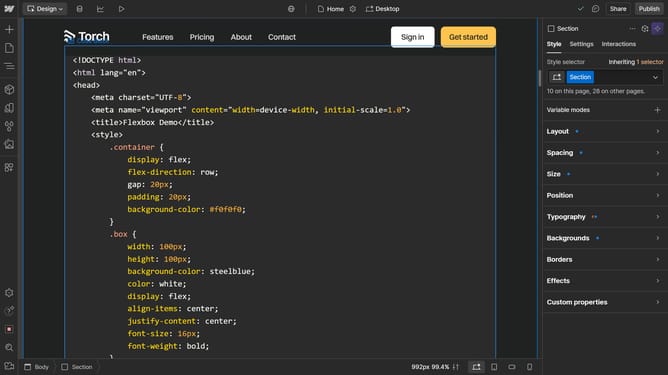
- First click on the "Open site" button in the project card
- Then select the element you want to make uneditable
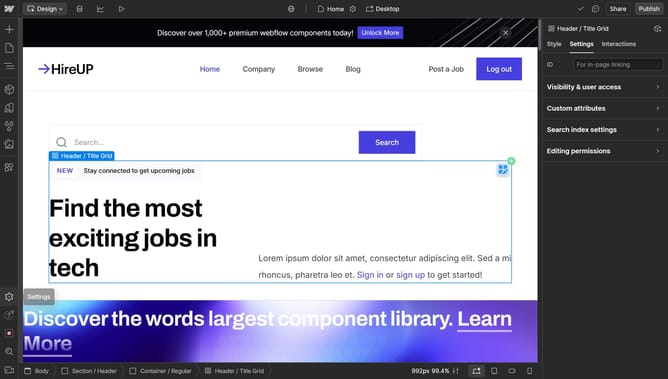
- Next click on the "Settings" tab in the right sidebar
- Then click on the "Editing permissions" section in the settings panel
- Finally uncheck the arrow next to "Editing permissions"
Why should you make elements uneditable in the legacy Editor in Webflow
Webflow empowers users to build beautiful websites with a powerful visual editor.
One effective feature in Webflow's legacy Editor is the ability to make elements uneditable. This feature boosts design integrity, ensuring that crucial elements remain unchanged while enabling controlled content management.
By preventing accidental modifications, this feature is invaluable for maintaining brand consistency and safeguarding intricate website designs.
Overall, it enhances team workflows by creating a more structured editing environment.
Last update