How to add a slider in Webflow
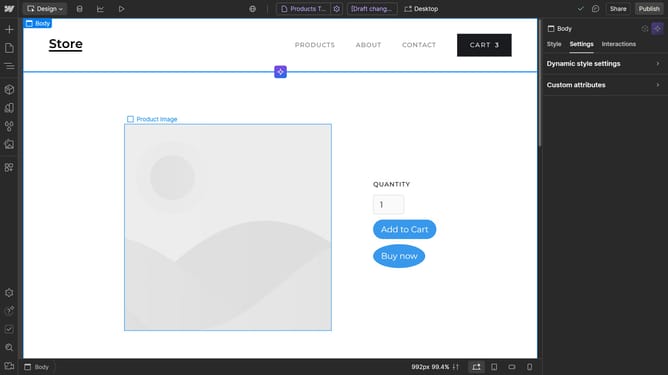
Here is how to add a slider in webflow
- First click on the "+" button in the left sidebar to open the Add panel
- Then click on the "Search elements" field in the left sidebar to start searching for elements
- Next type "Slider" in the search field to filter elements
- Finally click on the "Slider" element in the left sidebar to add it to your design
Why should you add a slider in Webflow
Webflow is an intuitive platform that empowers you to design, build, and launch responsive websites visually.
The slider feature in Webflow enhances your website by providing dynamic and interactive content presentations. Adding a slider can transform the browsing experience by displaying multiple images or pieces of content in one neat section, promoting engagement and storytelling.
Utilizing sliders in Webflow allows you to convey information in a visually appealing manner, catering to users' skimming habits while keeping your web pages clean and organized.
Last update