How to create a circular border in Webflow
Here is how to create a circular border in webflow
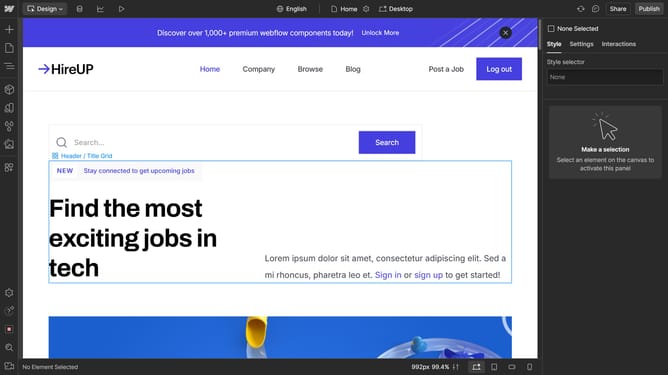
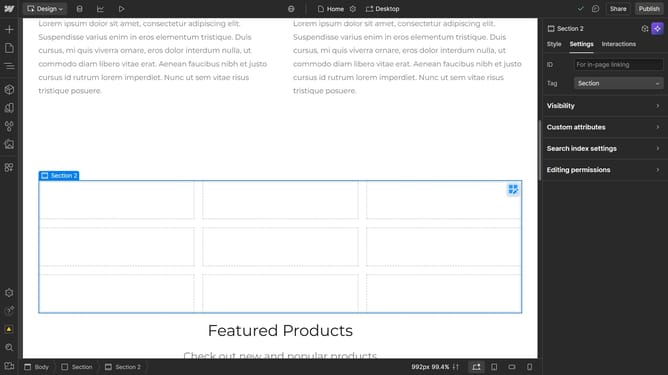
- First click on the element with equal width and height values
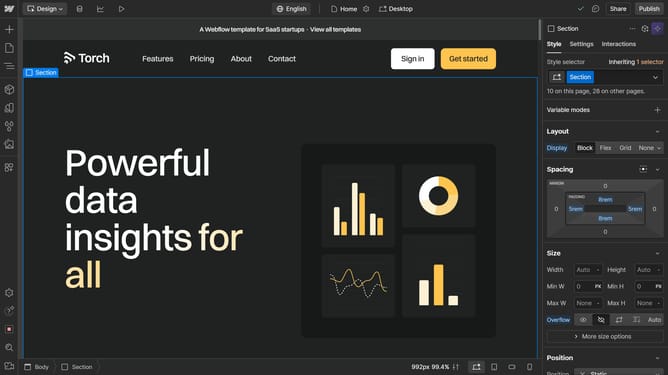
- Then click on the "Style" tab in the right sidebar
- Next click on the "Borders" section in the right sidebar's style panel
- Then click on the unit dropdown in the Borders section
- Next click on the "%" option in the units dropdown menu
- Finally click and set the border radius value to "50" in the radius input field
Why should you create a circular border in Webflow
Webflow empowers creators to design and build responsive websites visually without coding.
One standout feature in Webflow is its ability to create circular borders, enhancing design aesthetics effortlessly.
Using circular borders adds a modern, polished look to web elements, making images and icons stand out beautifully.
This feature not only improves the visual appeal but also helps in unifying design elements, ensuring a cohesive user experience.
Last update