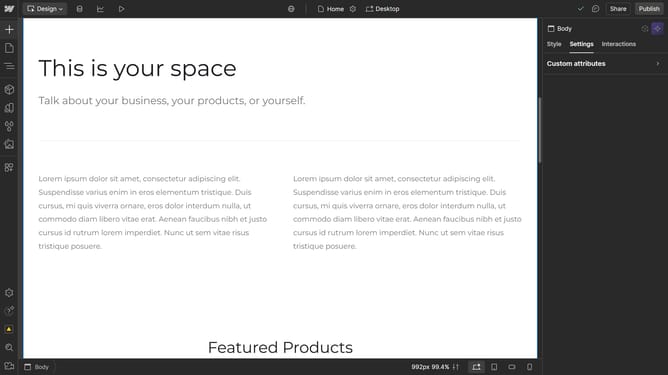
How to convert an element to a flexbox in Webflow
Here is how to convert an element to a flexbox in webflow
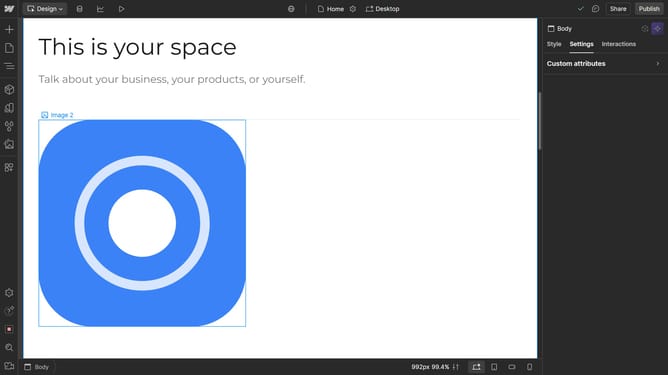
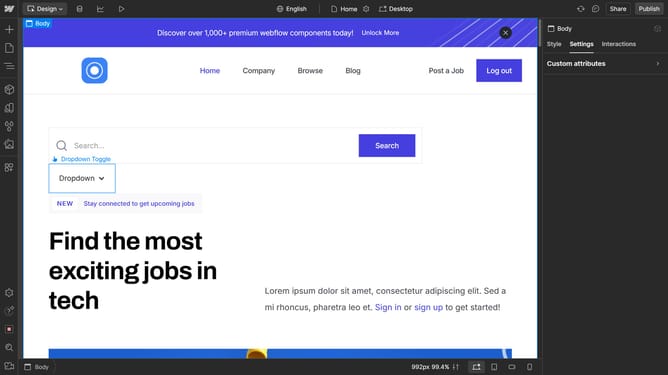
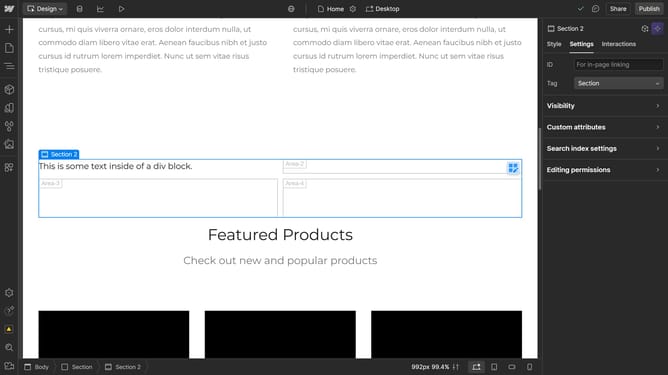
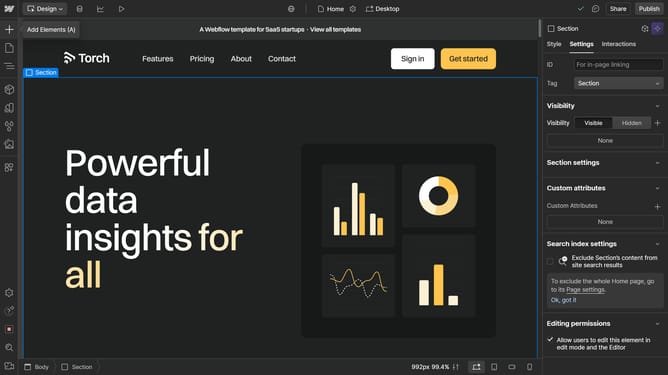
- First select the element on the canvas
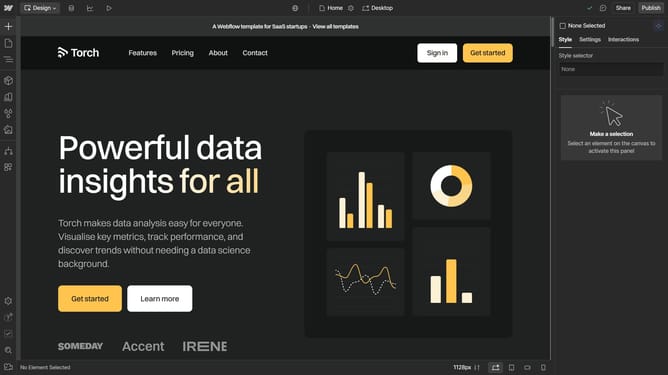
- Then click on the "Style" tab in the right sidebar
- Next click on the "Layout" section in the style settings panel
- Finally click on the "Flex" option under the Display settings
Why should you convert an element to a flexbox in Webflow
Webflow is a versatile design tool that empowers users to create responsive websites with ease.
Converting an element to a flexbox in Webflow is a game-changer for your design process. This feature allows you to structure and align elements fluidly, ensuring your layout is adaptable across different devices.
By using flexbox, developers and designers gain enhanced control over spacing and alignment, resulting in a streamlined workflow and a polished, professional-looking website.
Incorporating flexbox in your designs not only simplifies layout adjustments but also optimizes user experience by maintaining consistent presentation.
Last update