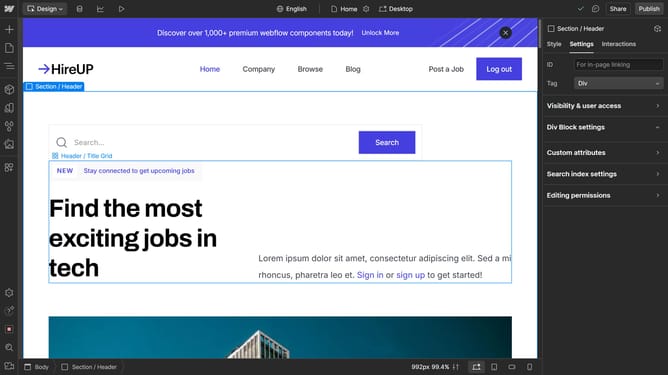
How to create a grid in Webflow
Here is how to create a grid in webflow
- +
- First click on the "+" button in the left sidebar to open the Add panel
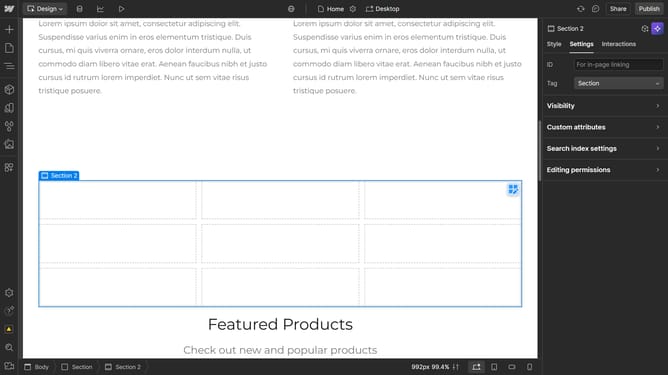
- Add an element that supports grid (e.g., a section, div block, etc.) to the canvas
- Click on the "Style" tab in the right sidebar
- Click on the "Layout" dropdown menu in the Style panel
- Select the "Grid" option from the Layout display options
Why should you create a grid in Webflow
Webflow is a dynamic web design tool that empowers users to create visually stunning websites without coding.
Creating a grid in Webflow enhances a website's layout by organizing content systematically, allowing for more readable and aesthetically pleasing pages.
This feature simplifies structuring, making it easier to design complex layouts with precision.
The ability to create consistent and flexible designs increases both the website's functionality and the user experience, making your content more accessible and engaging.
Last update