How to edit a code block in Webflow
Here is how to edit a code block in webflow
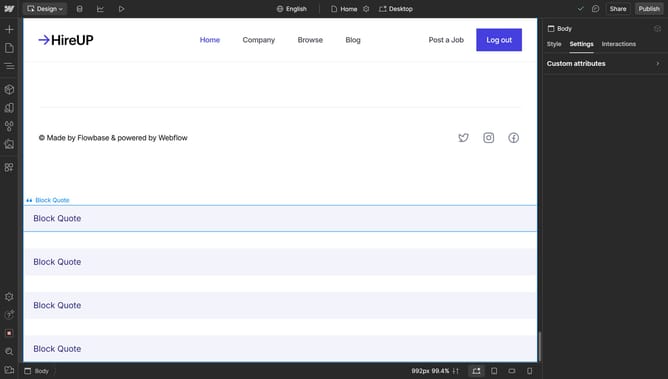
- Select the code block on the canvas
- Click the "Settings" icon above the code block
- Click on the "Open Code Editor" button in the Code Block Settings panel
- Make your changes
- Click on the "Save & Close" button in the bottom right of the Code Block Editor
Why should you edit a code block in Webflow
Webflow is a powerful platform for building and customizing websites visually without needing to code from scratch.
Editing a code block in Webflow allows users to inject custom HTML, CSS, or JavaScript into their projects seamlessly. This feature is particularly useful for those who wish to introduce unique functionality or design elements that go beyond Webflow's standard capabilities.
By leveraging this capability, users can maintain a high degree of visual and functional flexibility, ensuring their websites stand out with personalized touches. It's a perfect balance of customization and ease.
Last update