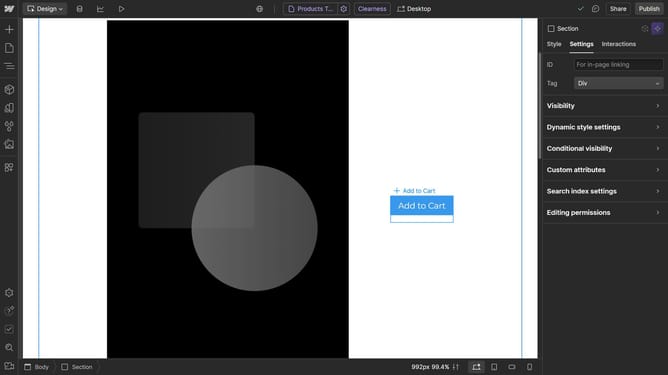
How to make an image circular in Webflow
Here is how to make an image circular in webflow
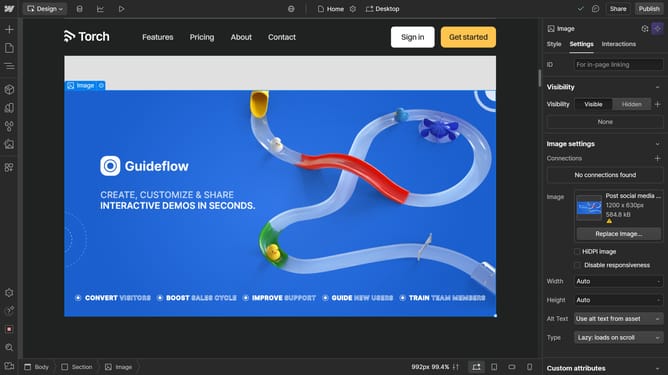
- First click the image you want to edit, make sure the height and width is the same
- Then click on the "Style" tab in the right sidebar
- Next click on the "Borders" section in the right sidebar settings panel
- Then click on the "Unit Selector" dropdown in the Borders section
- Now click on the "%" unit option in the units dropdown menu
- Finally set the value to "50" to create a circular border
Why should you make an image circular in Webflow
Webflow is a powerful web design tool that provides designers with the ability to build visually-stunning websites without coding.
One standout feature is the ability to make an image circular, adding an aesthetic touch to your design elements. By effortlessly transforming standard images into circles, you can create a modern look with consistent style across your web pages.
This feature not only elevates the visual appeal but also enhances brand cohesion and user experience. It simplifies the design process, enabling you to maintain a polished, professional appearance easily.
Last update