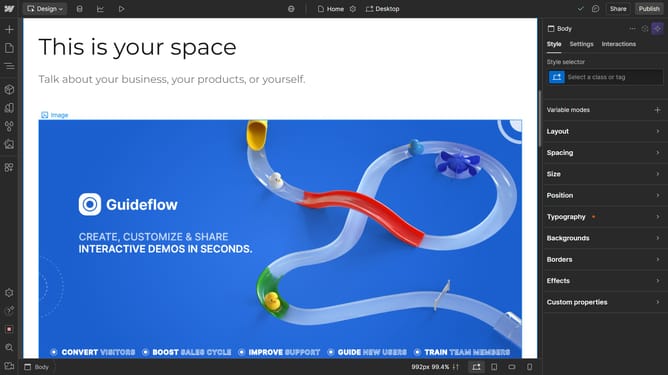
How to resize an image in Webflow
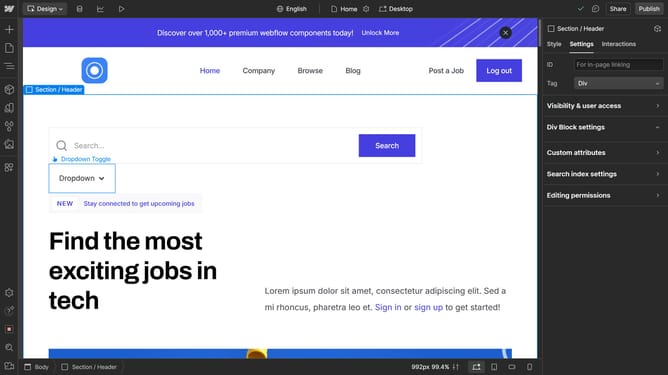
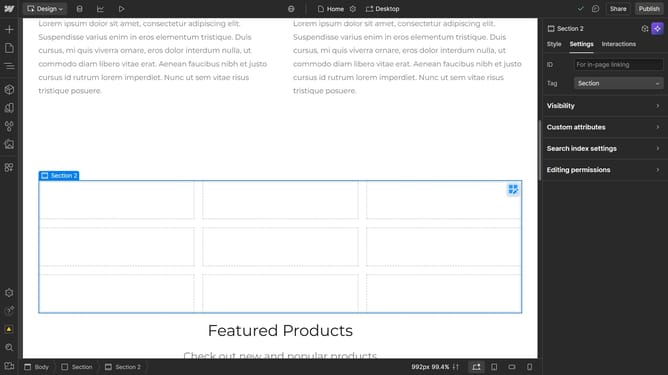
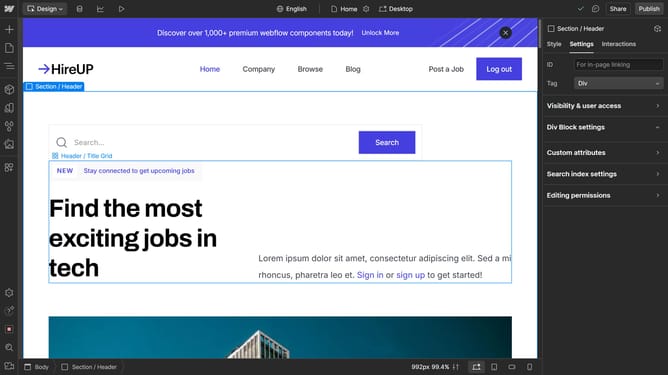
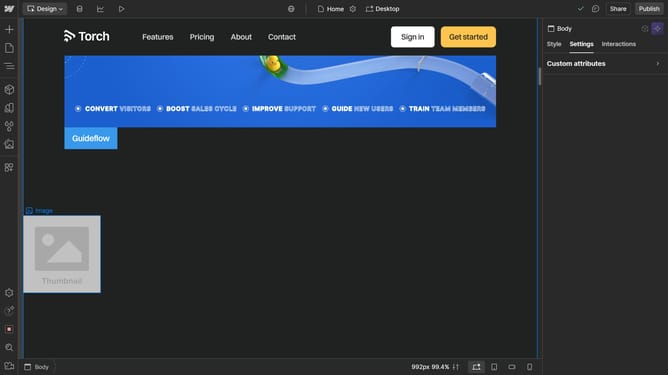
Here is how to resize an image in webflow
- Double click the image you want to resize
- In the image settings panel, click on the "Width" dropdown
- In the width options dropdown, select "PX" option
- Click the width input field
- Update the width to desired value
Why should you resize an image in Webflow
Webflow is a versatile web design tool that combines powerful design capabilities with intuitive usability, allowing creators to build responsive websites without coding.
The image resizing feature in Webflow is pivotal for ensuring your website looks professional on any device. By effortlessly adjusting image dimensions, you maintain visual consistency and improve load times, which enhances user experience.
This adaptability ensures that your designs remain fluid and engaging, providing a seamless browsing experience that meets visitor expectations across various platforms.
Last update