How to change the image size in Webflow
Here is how to change the image size in webflow
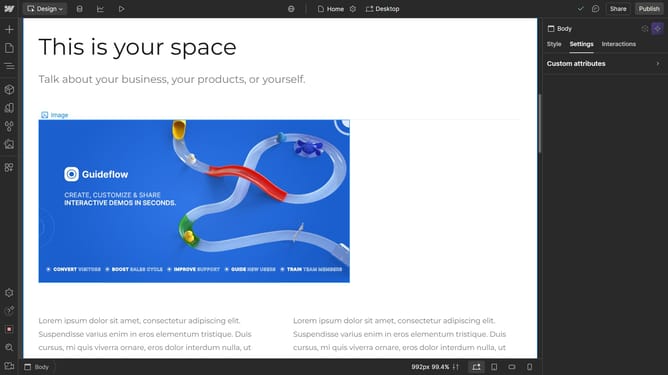
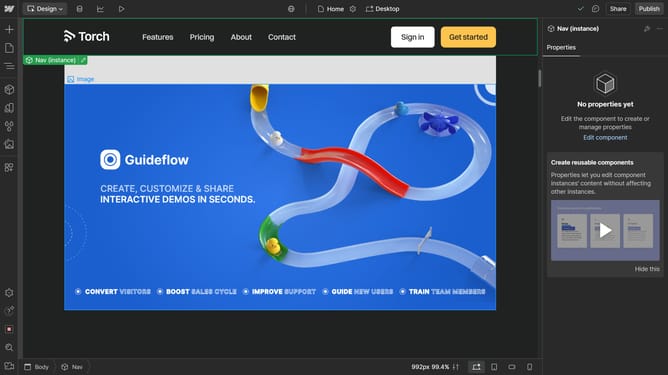
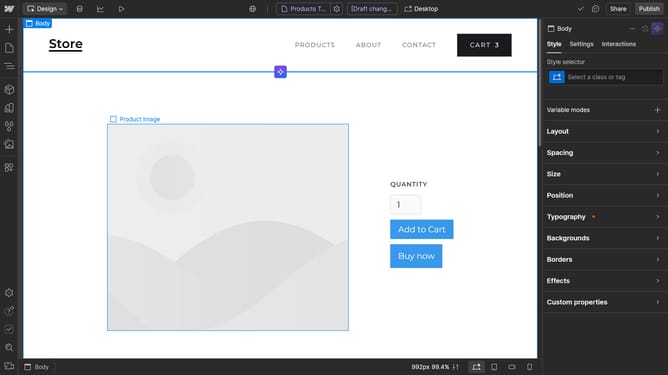
- First click the image you want to resize
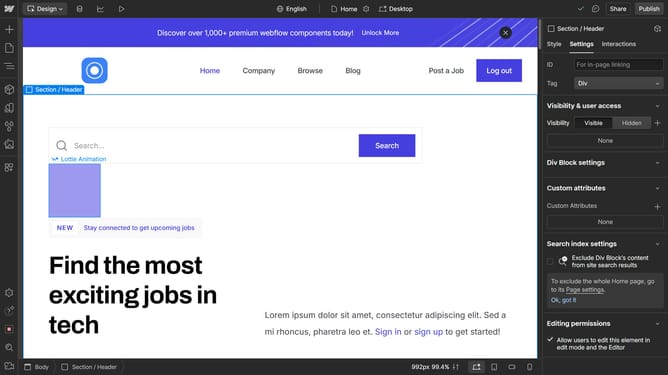
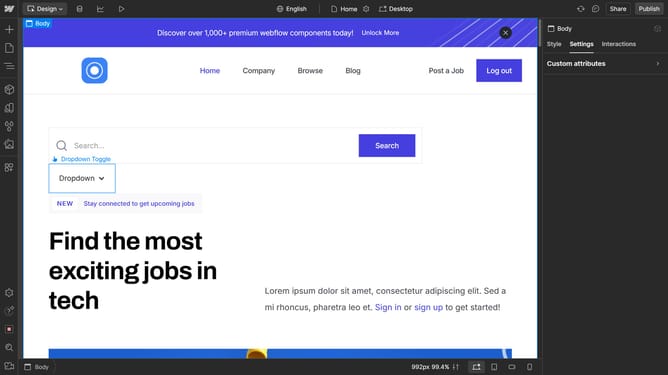
- Then click on the "Settings" tab in the right sidebar settings panel
- Next click on "Image settings" option in the settings panel
- Click on the "Width" dropdown menu showing "Auto" in the image settings section
- Select "px" option from the Width unit dropdown menu
- Finally enter the desired value in the Width value field to set the image width
Why should you change the image size in Webflow
Webflow is a versatile web design tool that empowers creators to build visually stunning websites without coding.
One of its standout features is the ability to easily change image sizes. This functionality lets users maintain design consistency and enhance user experience across various devices.
Adjusting image dimensions with ease ensures that visuals not only fit perfectly within specific design layouts but also contribute to faster page load times, ultimately improving SEO performance.
This flexibility in design allows for a more dynamic and engaging visitor experience.
Last update