How to delete div blocks in Webflow
Here is how to delete div blocks in webflow
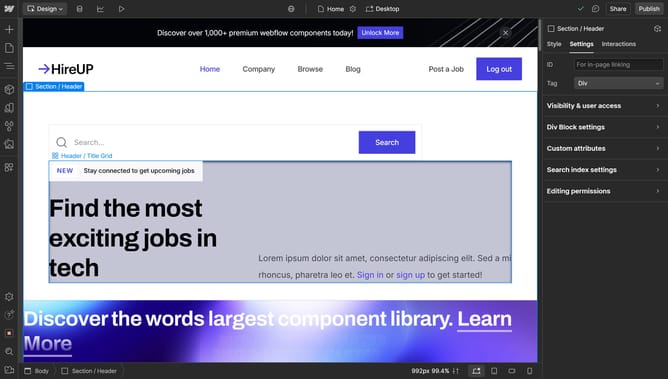
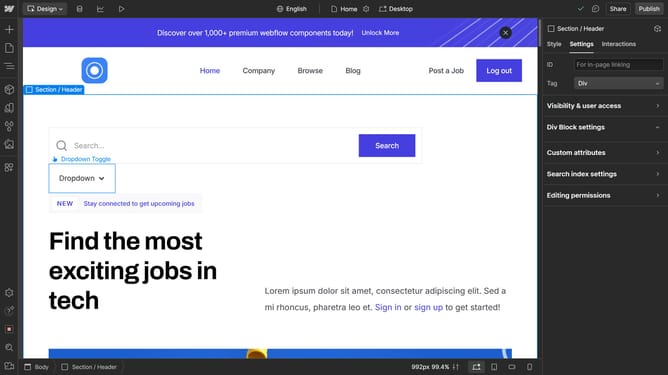
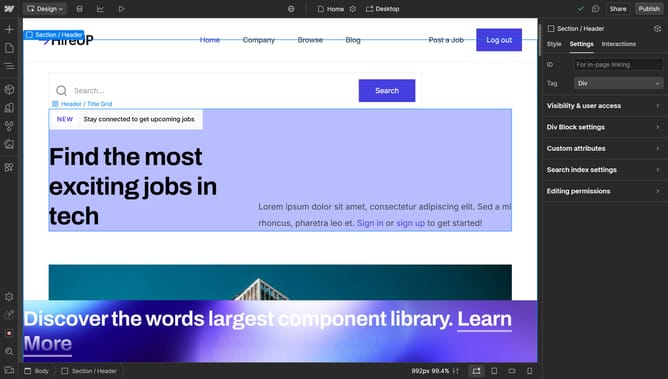
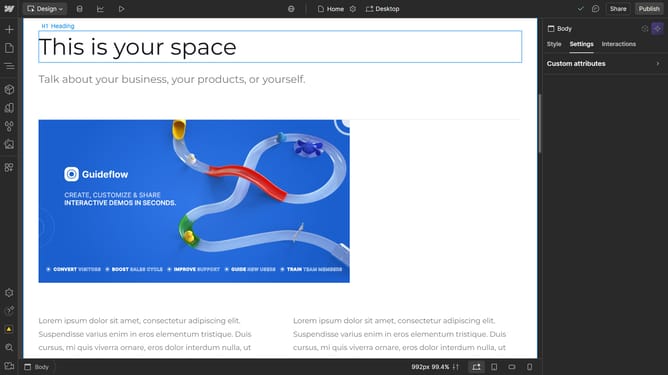
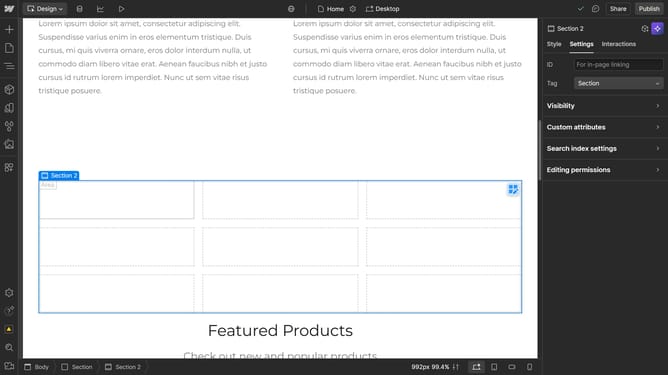
- First click on the "Div Block" element in the main content area
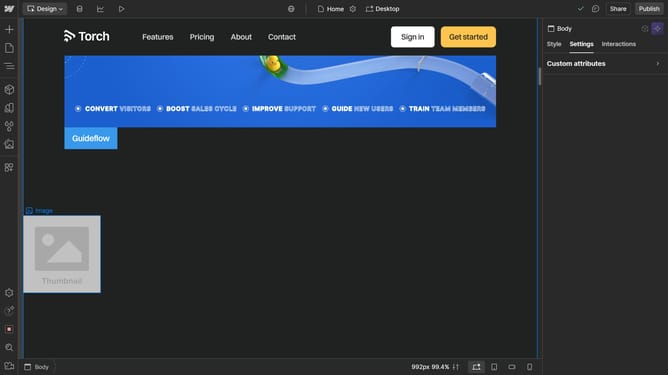
- Then click on the "Navigator" button in the left sidebar menu
- Next right-click on the "Div Block" element in the Navigator panel
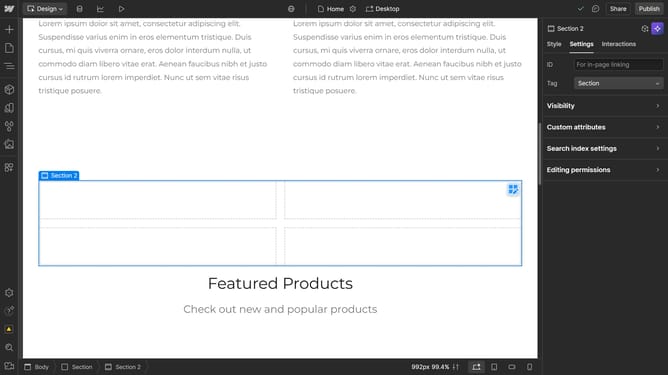
- Finally click on the "Delete" option in the context menu
Why should you delete div blocks in Webflow
Webflow is an innovative platform that brings design and development together seamlessly, empowering creators to build stunning websites visually.
Deleting div blocks in Webflow streamlines your workflow and improves project efficiency. This feature ensures that your design remains neat and uncluttered, enhancing the overall user experience of your website.
By effortlessly removing unwanted elements, you maintain a clean and organized layout, which is crucial for both aesthetics and functionality. This capability allows for more control and precision in your web design process.
Last update