How to add lightbox media in Webflow
Here is how to add lightbox media in webflow
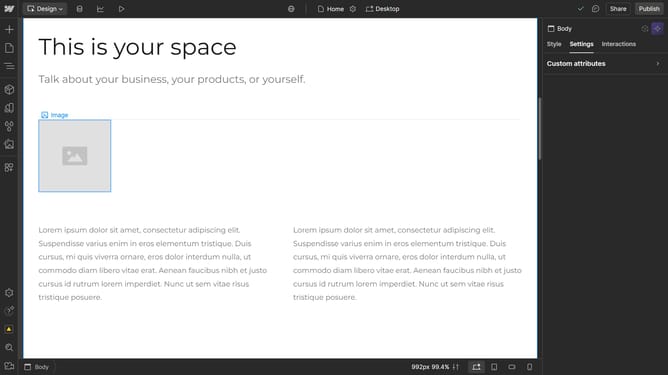
- First select the "lightbox link" on the canvas
- In the right sidebar, click on the "Lightbox Link settings" dropdown menu
- Click the "+" button in the Media section of the Lightbox Link settings
- Select "Image" option in the Type selector
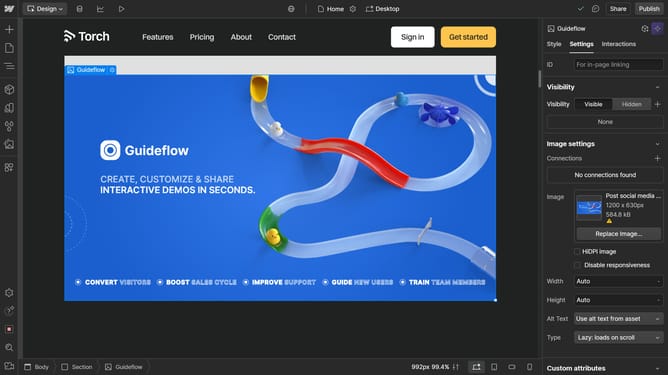
- Click on "Replace Image..." button in the Image section
- In the Assets panel that opens, select your desired image
Why should you add lightbox media in Webflow
Webflow empowers creators to build responsive websites without writing code.
One of its standout features is the ability to add lightbox media effortlessly, enhancing user engagement.
This feature allows designers to showcase images and videos with a beautiful, eye-catching overlay, ensuring visitors have an immersive viewing experience.
Utilizing lightbox media can elevate the visual appeal of a website, making content more interactive and visually compelling for users.
Last update