How to remove a class in Webflow
Here is how to remove a class in webflow
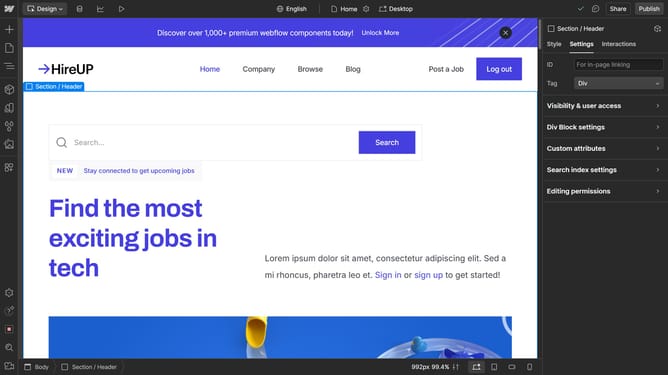
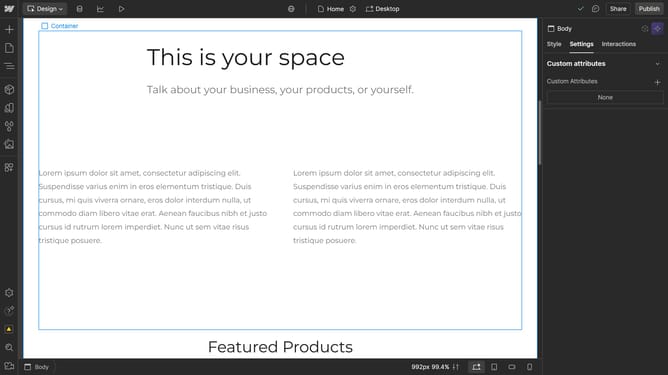
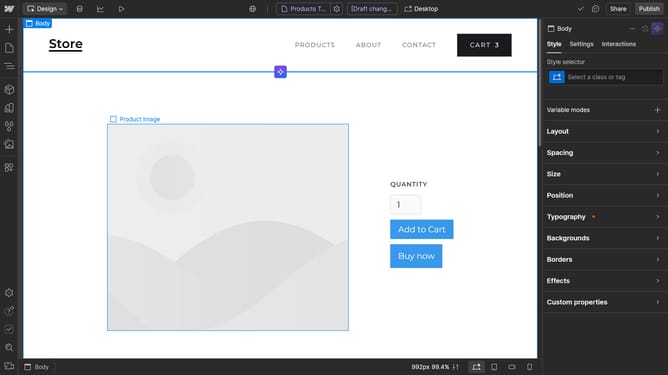
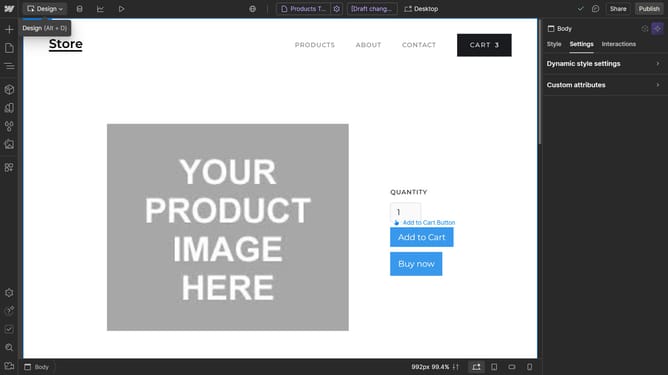
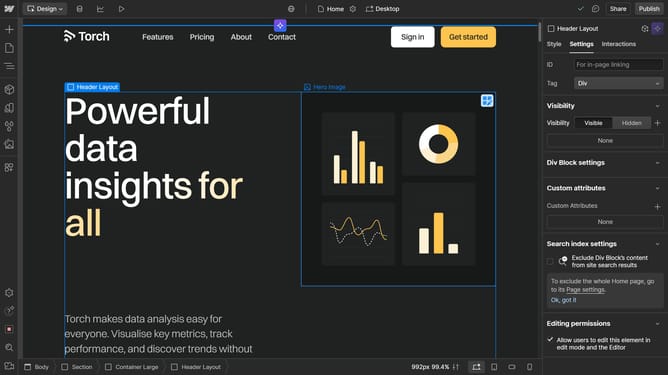
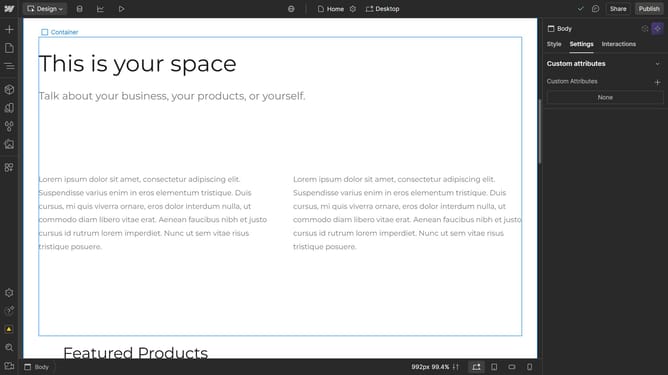
- First select an element on the canvas
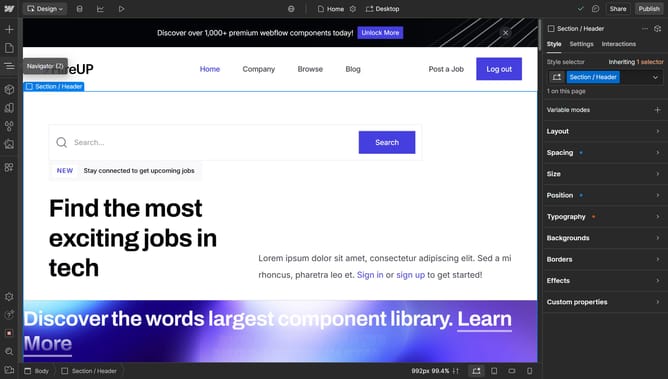
- Then click on the "Style" tab in the right sidebar
- Next click on the style selector dropdown in the right sidebar
- Finally click on "Remove class" option in the style selector dropdown menu
Why should you remove a class in Webflow
Webflow is an innovative platform designed to empower users to build professional websites with ease.
Within Webflow, removing a class is a feature that offers simplicity and efficiency in managing your site's styling.
This feature enhances the flexibility of your design process, allowing you to refine and streamline the look of your project effortlessly as your needs evolve.
Ultimately, mastering how to remove a class not only keeps your design clean but also aids in maintaining a tidy, manageable codebase, contributing to an optimized website.
Last update