How to add gaps between flex children in Webflow
Here is how to add gaps between flex children in webflow
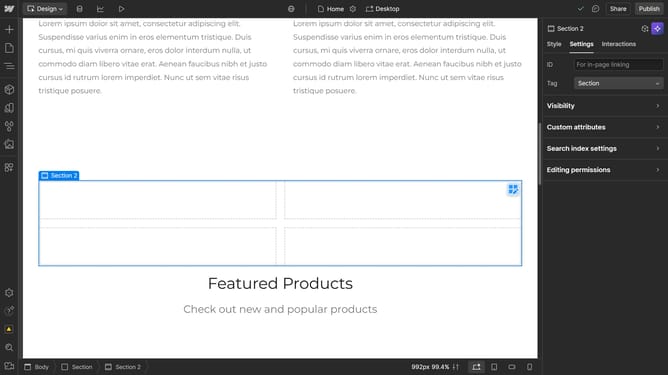
- First select the container element in the main content area
- Then click on the "Style" tab in the right sidebar settings panel
- Finally drag the "Gap" slider to your desired value
Why should you add gaps between flex children in Webflow
Webflow is an intuitive web design tool empowering creators to build responsive websites without code.
In Webflow, adding gaps between flex children enhances the visual appeal and readability of your design. This feature helps in achieving a balanced layout, eliminating crowded elements.
Utilizing gaps allows for cleaner alignment and organization, ensuring that each component stands out. This ultimately improves user experience by guiding the viewer's eye effortlessly through the content.
Last update