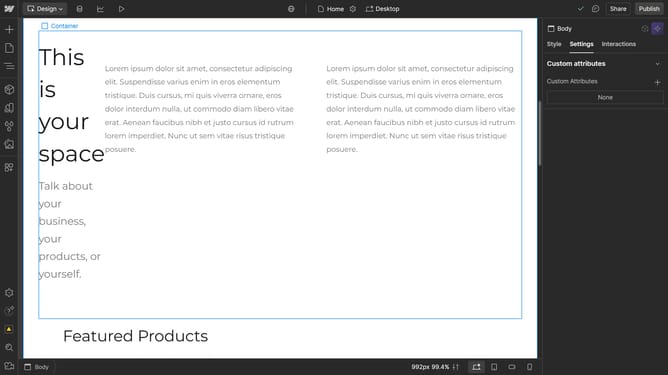
How to edit components in Webflow?
Here is how to edit components in webflow
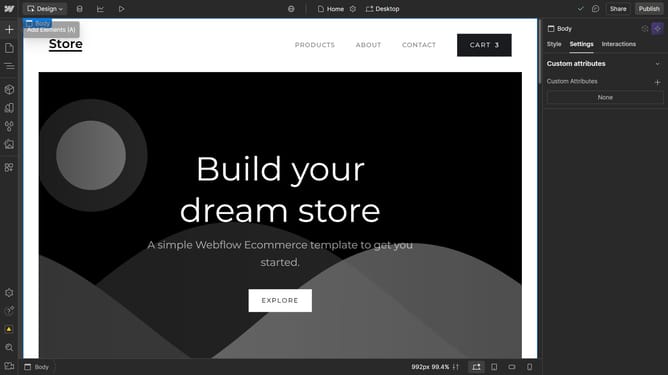
- First, open the navigator panel
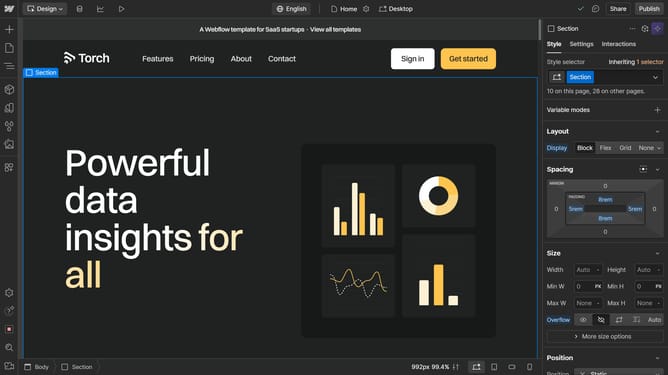
- Locate an instance of the component you want to edit, then select it
- Or click on the component directly
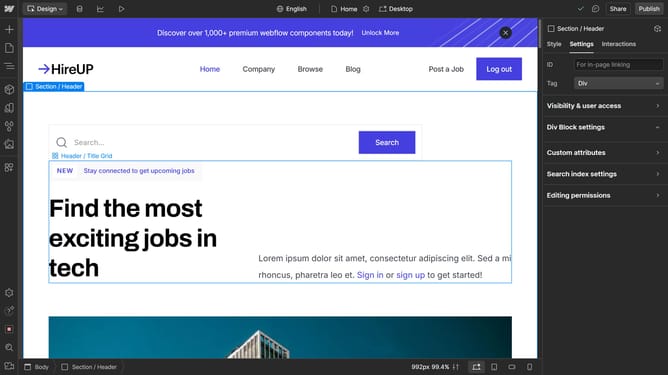
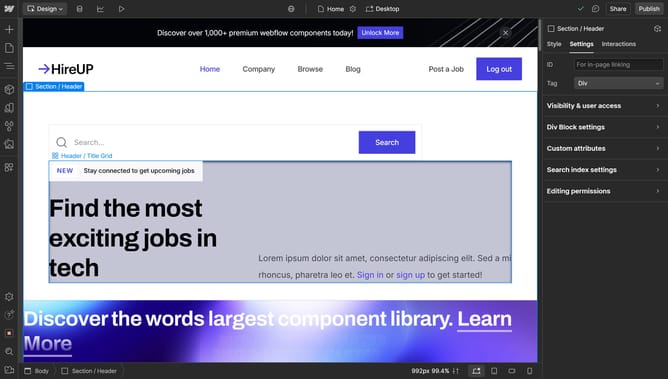
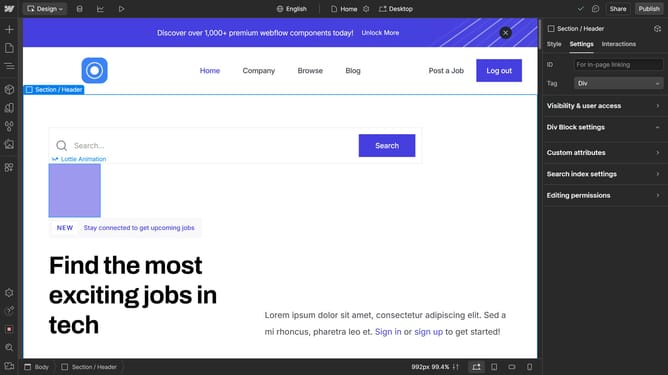
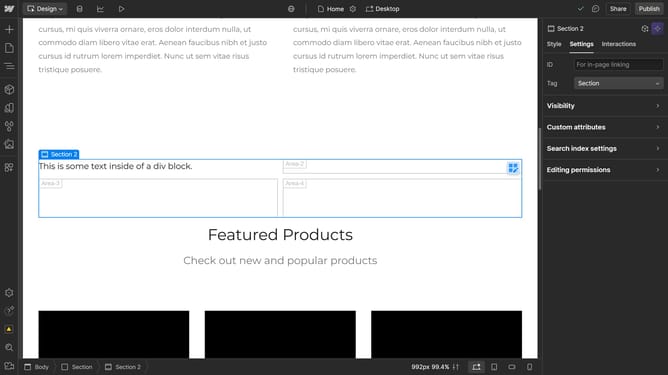
- Next, double-click the component to enter edit mode, which highlights it and dims the background
- Make your modifications
- Click outside the component or use the back button at the top to exit editing mode
- That's how you can successfully edit a component
Why should you edit components in Webflow?
Webflow empowers designers to effortlessly craft responsive websites without code.
Editing components in Webflow is a breeze, offering intuitive features that boost efficiency and creativity. Seamlessly modify, replace, or customize elements to suit your project’s aesthetic. By utilizing this feature, you ensure a consistent design across your site, enhancing both the user experience and brand identity. This flexibility not only saves time but also fosters innovation as you tailor each component to suit evolving needs.
Experience the perfect blend of design freedom and structural precision, transforming your web development process with ease.
Last update