How to use Webflow templates?
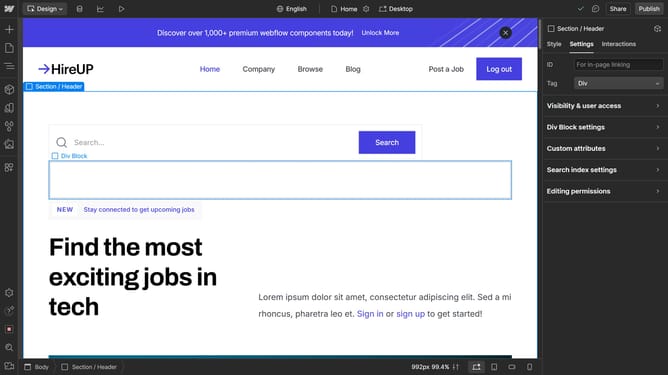
Here is how to use webflow templates
- First, open your Webflow dashboard
- Next, click the "New Site" button in the top-right corner to begin creating your project
- Then select the Template option to start with a design template
- Explore Webflow’s template library, which offers both free and paid options
- Hover over a template to preview it or click Select to choose it
- Enter a name for your project and click "Create Site" to confirm
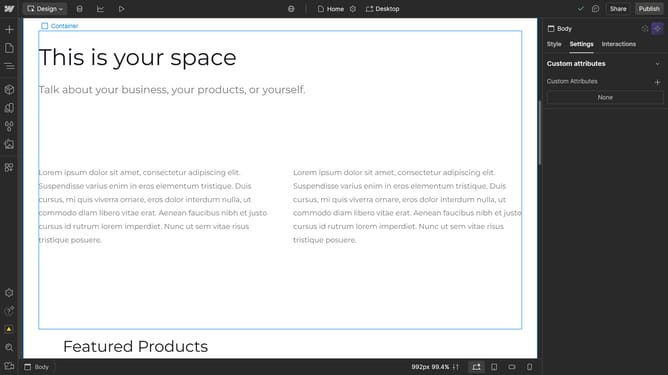
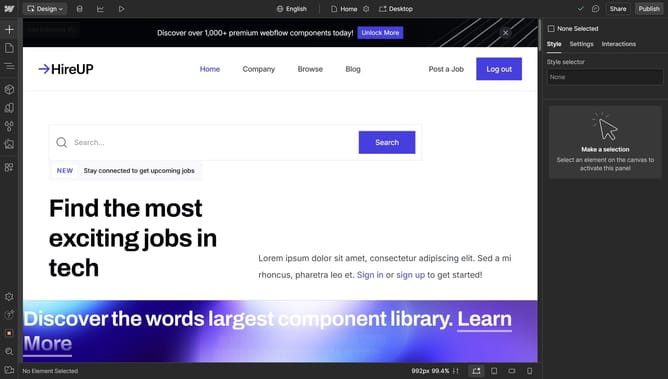
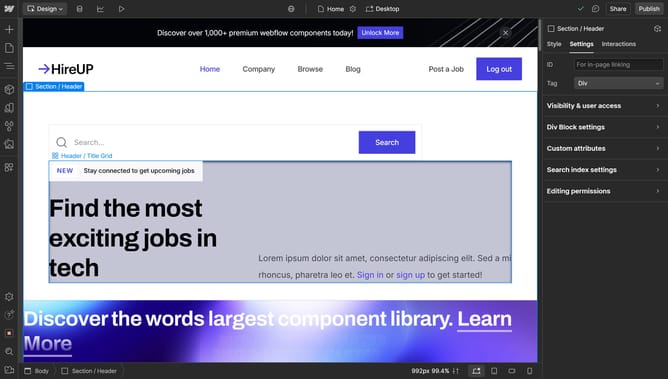
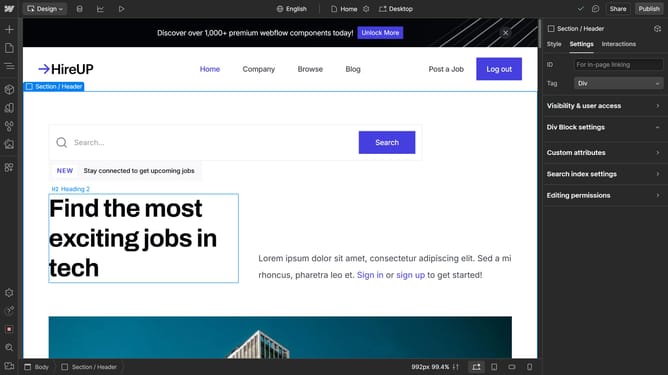
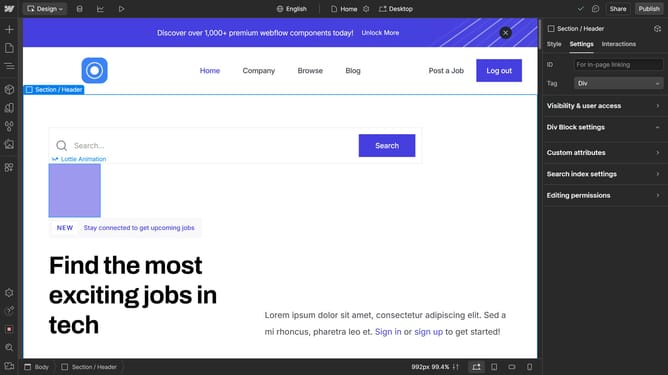
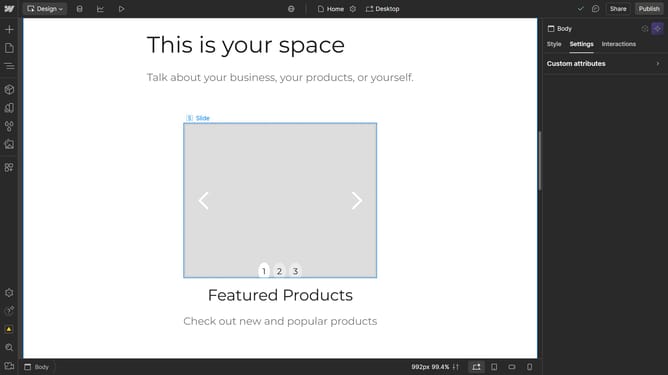
- Your selected template is now ready
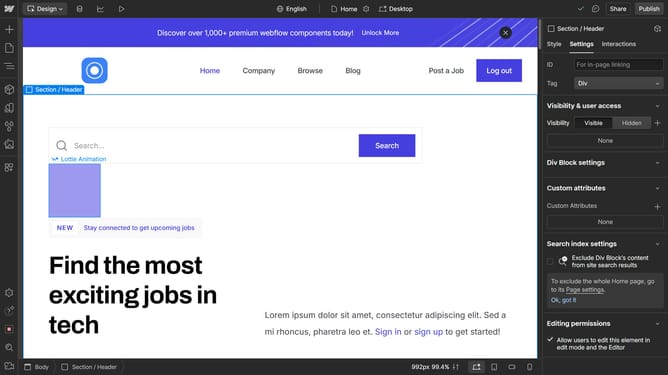
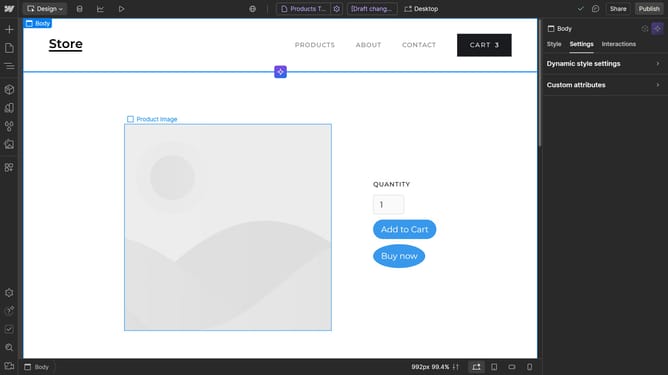
- You can now start editing and customizing the design as needed
Why should you use Webflow templates?
Webflow revolutionizes web design by empowering users to create professional websites without any coding knowledge. Utilizing Webflow templates simplifies this process even further, offering pre-designed layouts that can be tailored to suit your brand's style seamlessly.
These templates provide a foundation that aligns with the latest design trends and functionalities, enhancing efficiency and consistency in your project's development.
By leveraging these tools, you focus more on creativity and less on time-consuming technical design, ensuring a polished and responsive web presence effortlessly.
Last update