How to set the slide duration in Webflow
Here is how to set the slide duration in webflow
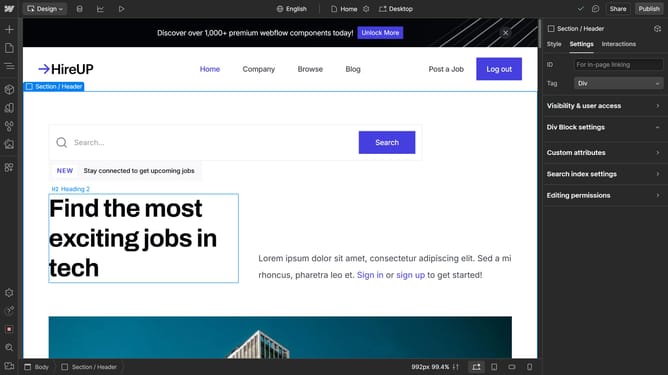
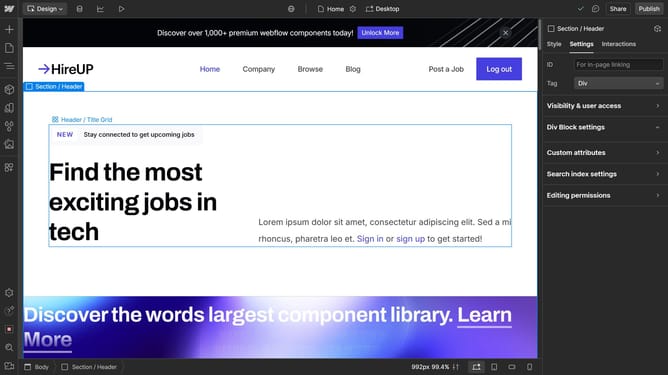
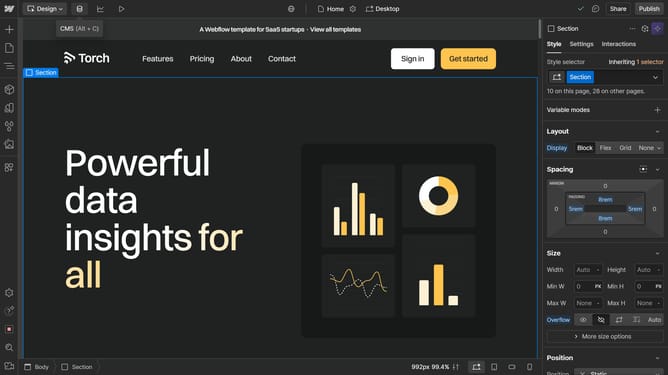
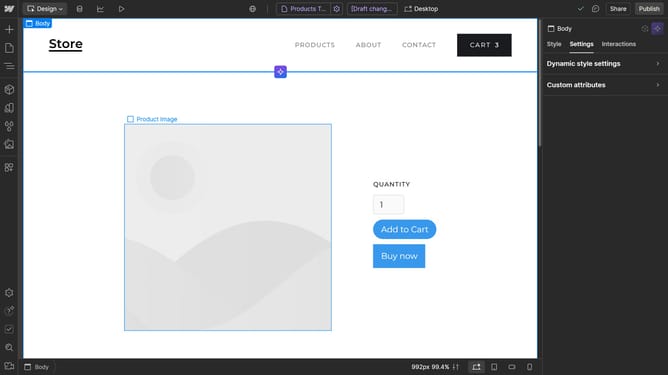
- First click on the slide preview area in the main content section
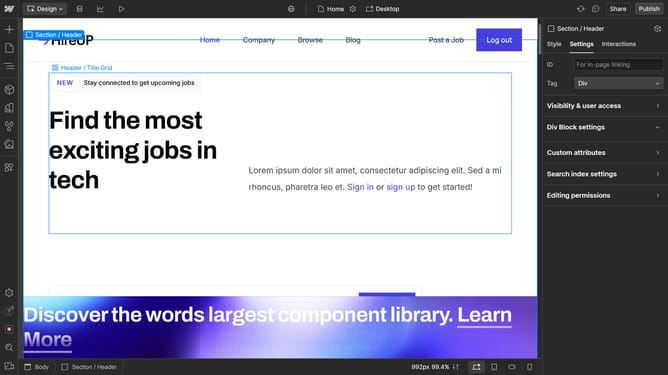
- Then click on the "Slider settings" option in the right sidebar
- Finally click on the "Duration" field in the slider settings panel and set it to your desired value
Why should you set the slide duration in Webflow
Webflow is a versatile platform that empowers designers to build responsive websites without writing code.
Setting the slide duration in Webflow's features allows you to control how long each slide is displayed within a slider component. This feature enriches the user experience by ensuring smooth transitions and maintaining viewer engagement.
By customizing slide durations, you can pace the content according to the message or emotions you wish to convey, enhancing overall storytelling and user interaction.
Last update