How to duplicate rows in a grid in Webflow
Here is how to duplicate rows in a grid in webflow
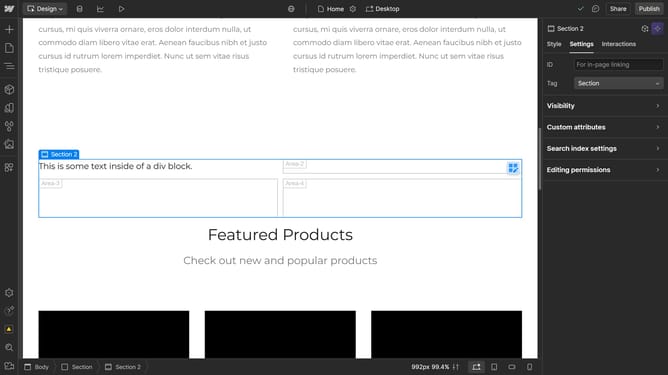
- First click on the element with the grid layout applied
- Then click on the 'Settings' tab in the right sidebar panel
- Next click on the 'Layout' section in the style settings panel
- Then click on the 'Configure grid' icon in the Layout settings
- Finally click the 'Duplicate' icon in the Rows section of the grid configuration
Why should you duplicate rows in a grid in Webflow
Webflow empowers designers to create responsive, visually stunning websites without writing code.
The ability to duplicate rows in a grid streamlines your workflow, allowing for effortless replication of design elements. This feature accelerates design consistency and enhances productivity by reducing repetitive tasks.
Whether you're crafting complex layouts or frequently updating content, duplicating rows ensures your grid remains neat and maintains alignment. Utilizing this feature can significantly improve your design efficiency and minimizes the chance of errors.
Last update