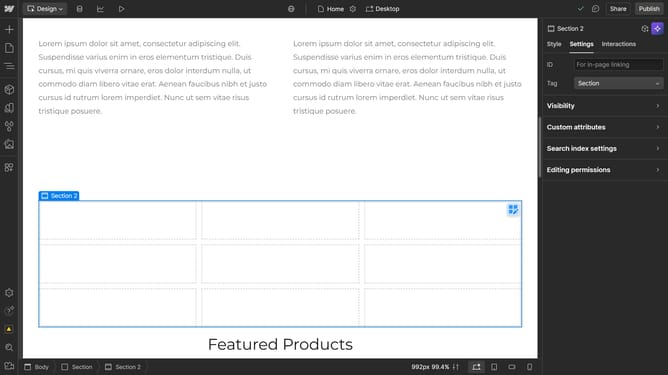
How to add alt text to an image in Webflow
Here is how to add alt text to an image in webflow
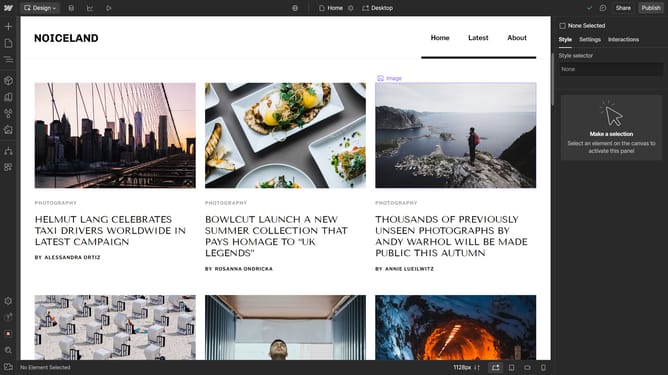
- First click on the image area in the content section
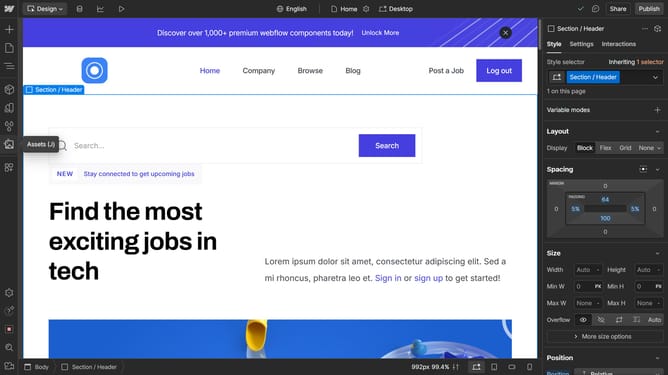
- Then click on the "Settings" tab in the right sidebar settings panel
- Next click on "Image settings" option in the settings panel
- Then click on the "Alt Text" dropdown menu in the image settings section
- Next select "Custom description" option from the Alt Text dropdown
- Finally enter the custom alt text description in the text input field
Why should you add alt text to an image in Webflow
Webflow is a powerful web design platform that bridges the gap between design and development.
Adding alt text to an image in Webflow is an intuitive feature that enhances accessibility, ensuring a more inclusive web experience for all users.
This feature also plays a crucial role in SEO by improving search engine visibility, making it easier for search engines to understand the content of images.
By incorporating alt text, users can achieve better rankings and boost engagement on their website without any added complexity.
Last update