How to hide the Add to Cart button in Webflow
Here is how to hide the add to cart button in webflow
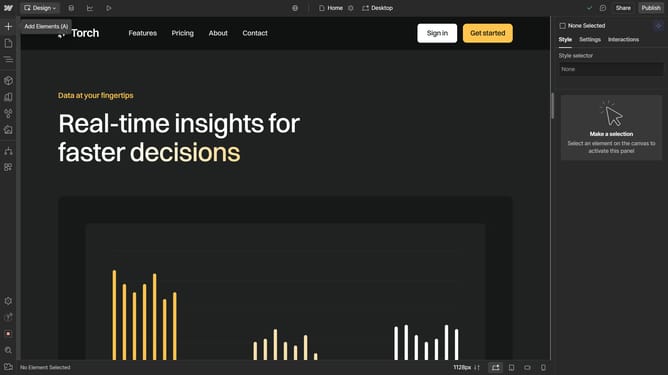
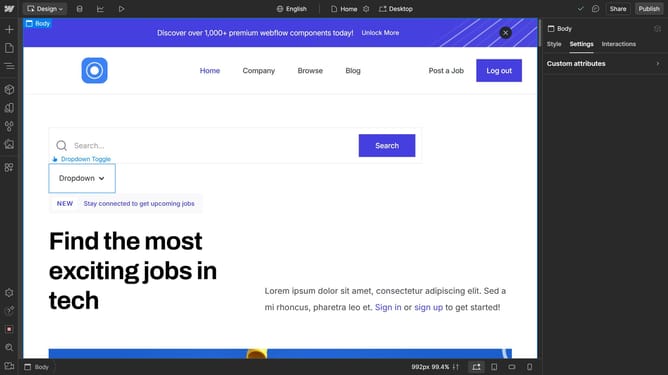
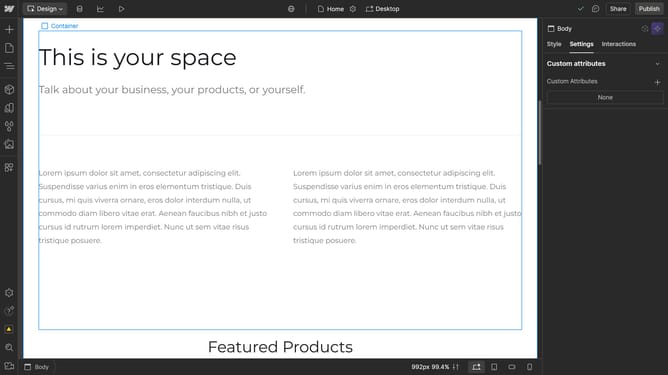
- First click on the "Add to Cart" element
- Then click on "Add to Cart settings" option in the right sidebar menu
- Finally click on the "Hide" button in the Add to Cart settings panel under the "Add to cart" section
Why should you hide the Add to Cart button in Webflow
Webflow is a robust platform designed for building and customizing websites with ease and flexibility.
One valuable feature Webflow offers is the ability to hide the "Add to Cart" button, providing enhanced control over your storefront's presentation.
This feature is beneficial for managing stock levels, creating exclusive collections, and ensuring products are showcased perfectly.
By hiding the "Add to Cart" button, you gain the flexibility to tailor the shopping experience, optimizing for both visitor engagement and sales strategy.
Last update