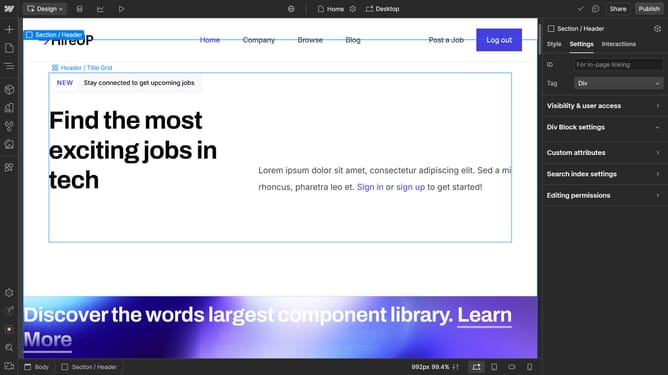
How to delete block quote in Webflow
Here is how to delete block quote in webflow
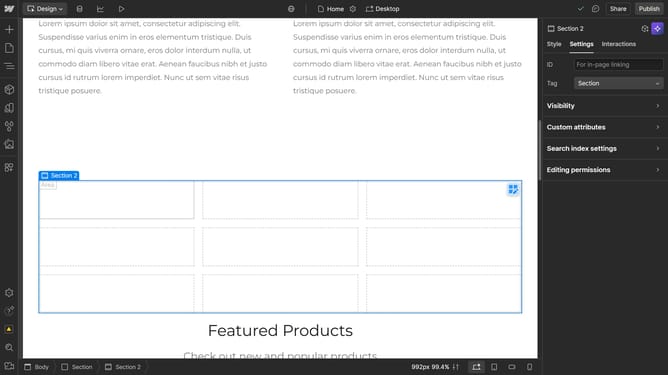
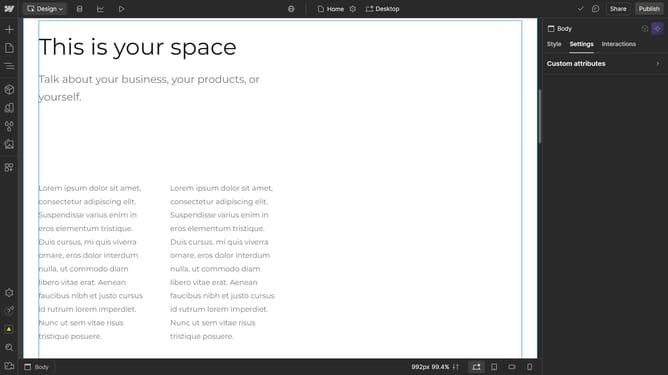
- First right-click on the "Block Quote" text field in the editor area
- Then click on the "Delete" option in the context menu that appears
Why should you delete block quote in Webflow
Webflow is a powerful tool that empowers users to design, build, and launch visually stunning websites without needing extensive coding skills.
The ability to delete a block quote in Webflow provides a direct way to streamline your content. By easily removing unnecessary block quotes, you maintain a clean, professional website layout.
Utilizing this feature ensures that your content remains concise and focused, enhancing readability and user engagement. With these adjustments, you can efficiently manage your site's aesthetic and functional appeal.
Last update