How to adjust gaps between columns in Webflow
Here is how to adjust gaps between columns in webflow
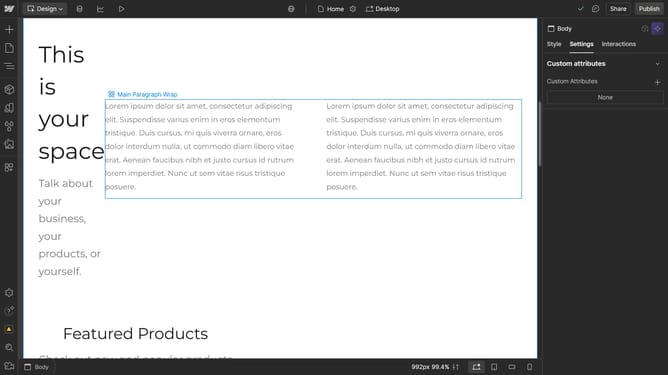
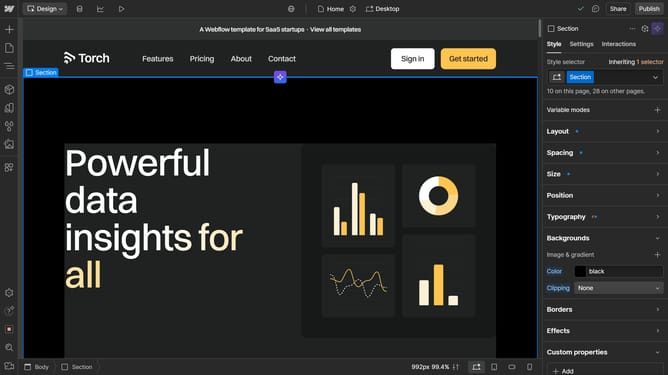
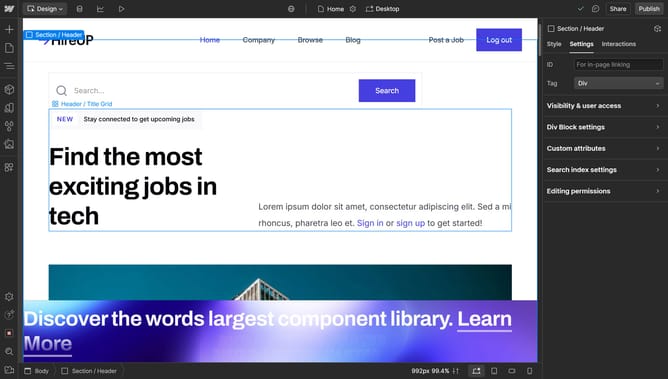
- First, click on the element with the grid layout applied
- Then click on the "Style" tab in the right sidebar settings panel
- Next click on the "Layout" section in the style settings panel
- Finally, click on the Columns Gap field and enter your desired value
Why should you adjust gaps between columns in Webflow
Webflow is an intuitive platform that empowers users to design, build, and launch responsive websites visually.
One of its standout features is the ability to adjust gaps between columns effortlessly. This feature allows designers to control the spacing within their layouts, ensuring a visually appealing and balanced design.
Adjusting column gaps enhances the readability and flow of content, providing an organized and aesthetically pleasing presentation.
By optimizing spacing, users can create professional websites that captivate and engage visitors effectively.
Last update