How to make navbar sticky Webflow?
Here is how to make navbar sticky webflow
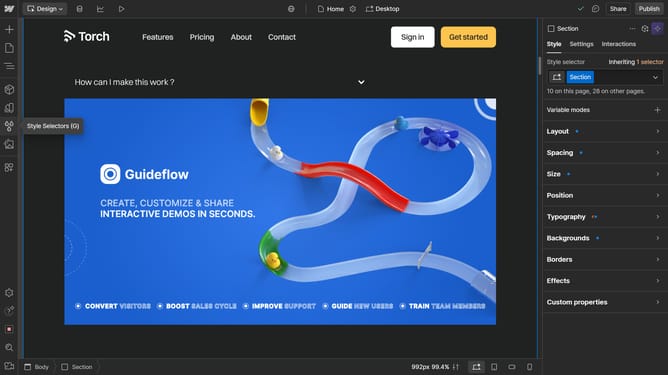
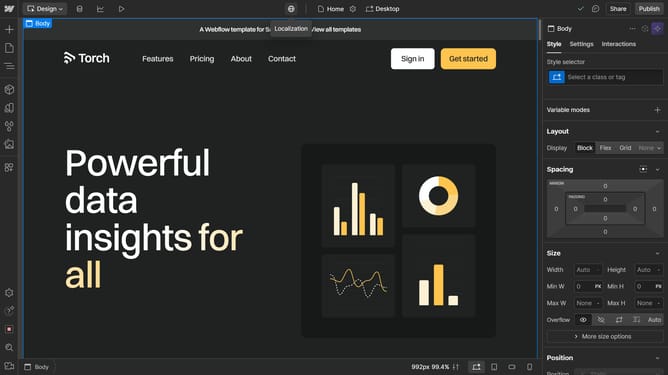
- First, click on the navbar element to select it
- Then go to the "Style" panel in the right sidebar
- Find the "Position" section
- Under Position, click the drop-down menu
- Choose "Sticky" option
- Your navbar is now sticky and will remain fixed as you scroll down the page
Why should you make navbar sticky Webflow?
Webflow is a versatile platform that empowers users to design and build stunning websites effortlessly.
One standout feature is the ability to make your navbar sticky. This means your navigation bar stays fixed at the top of the screen as users scroll, enhancing navigation and accessibility by keeping key links always within reach.
A sticky navbar improves user experience, particularly on longer pages, as it allows instant access to different sections and streamlines site navigation. This feature can significantly enhance engagement by providing a seamless browsing experience.
Last update