How to delete a class in Webflow
Here is how to delete a class in webflow
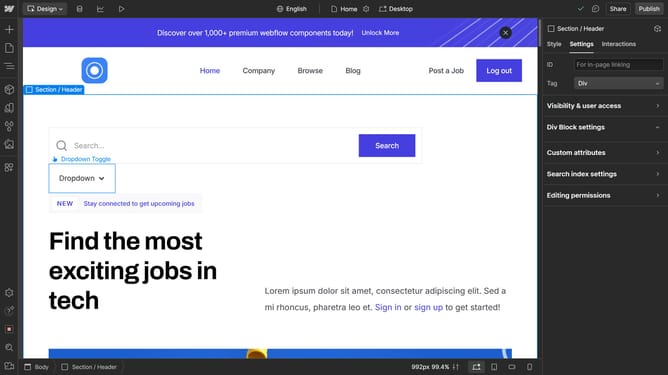
- First click on the "Style Selectors" icon in the left sidebar
- Then enter the class you want to delete
- Next click on the "Wrench" icon
- Finally click on the "delete" icon in the style selectors panel
Why should you delete a class in Webflow
Webflow is an intuitive platform that empowers users to design and develop stunning websites without writing a single line of code.
Deleting a class in Webflow is straightforward and enhances the flexibility of your website management. This feature ensures that your design remains clean and organized without unnecessary clutter.
By removing unused or redundant classes, you keep your stylesheets concise and efficient, which can improve site performance. Maintaining streamlined design elements allows for easier updates and smarter styling choices.
Ultimately, this boosts your workflow efficiency, making your Webflow experience more productive and enjoyable.
Last update