How to link a phone number in a dropdown in Webflow
Here is how to link a phone number in a dropdown in webflow
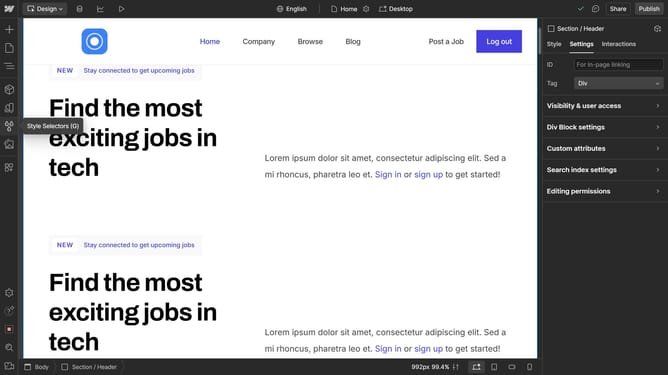
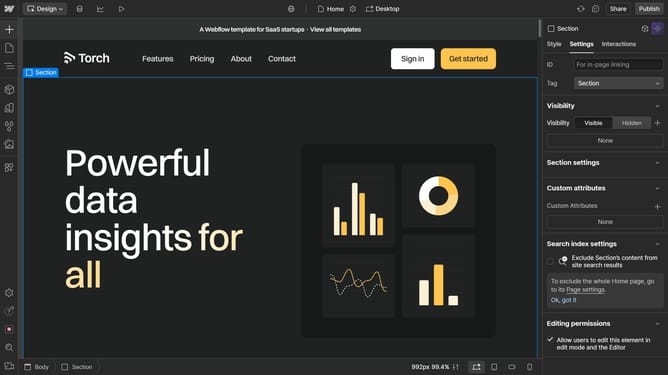
- First click on the "Dropdown Toggle" element in the main content area
- Then click on "Dropdown settings" in the right sidebar panel
- Next click on "Show" button in the Dropdown settings menu
- Then select the "Dropdown Link" item in the dropdown list
- Next click on "Link settings" option in the right sidebar panel
- Then click the "Phone" icon in the Link settings section
- Finally enter the phone number in the phone number field
Why should you link a phone number in a dropdown in Webflow
Webflow is a powerful design tool that enables the creation of custom, visually striking websites with ease.
Linking a phone number in a dropdown in Webflow is a clever feature that enhances user interaction and accessibility. Integrating phone links within dropdown menus allows for immediate communication, catering to the modern need for convenience.
This feature ensures a seamless experience for users, encouraging engagement and improving client relations by offering direct call functionality from any device.
Last update