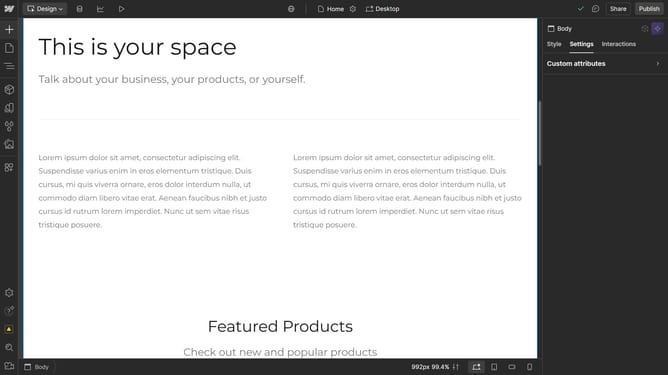
How to adjust the row gap in a Webflow grid
Here is how to adjust the row gap in a webflow grid
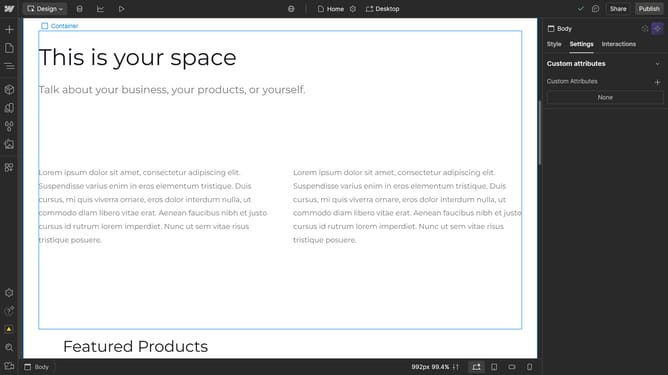
- First click the element with the grid layout to start editing
- Then click on the "Style" tab in the right sidebar settings panel
- Next click on the "Layout" section in the right sidebar settings panel
- Then click on the "Gap" settings lock icon in the Layout options
- Modify the value in the Row Gap settings to adjust the spacing
Why should you adjust the row gap in a Webflow grid
Webflow is an intuitive platform designed to empower creators to design visually stunning websites without the need for coding.
Adjusting the row gap in a Webflow grid lets designers control the spacing between content, enhancing readability and aesthetic appeal.
Utilizing this feature makes layouts more organized and visually pleasing, enabling designers to create a cohesive and professional look easily.
Ultimately, this flexibility simplifies the design process, allowing for a seamless presentation of information across devices.
Last update