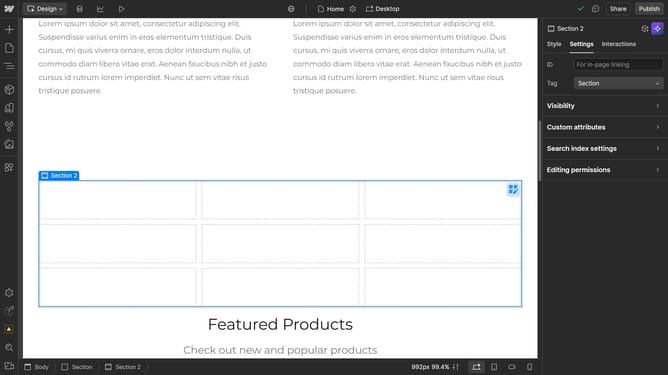
How to set wrapping behavior in Webflow
Here is how to set wrapping behavior in webflow
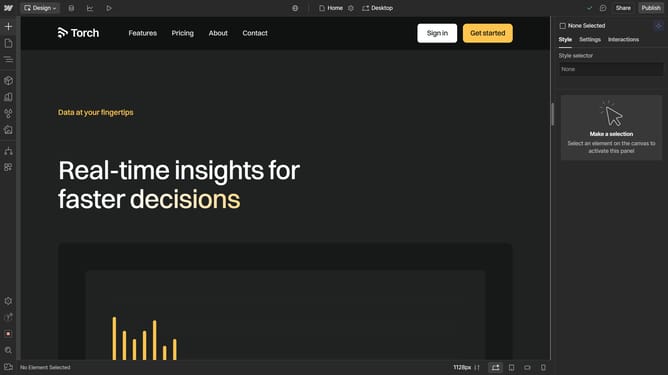
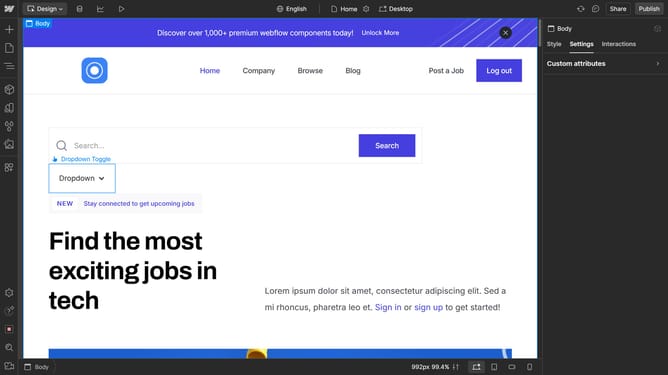
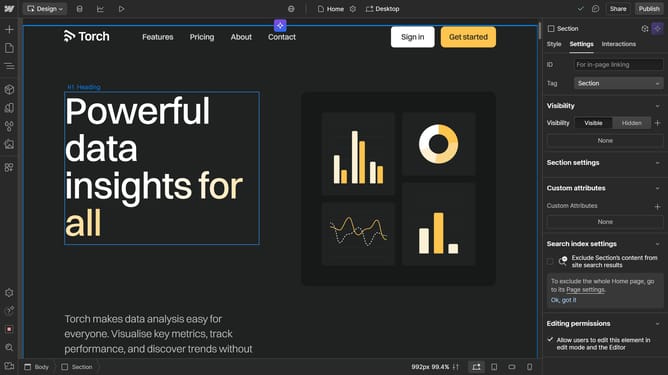
- First click element you want to edit
- Then click on the "Style" tab in the right sidebar
- Next click on the "Typography" section in the style settings panel
- Then click on "More type options" dropdown in the Typography settings
- Next click on the dropdown under the Word wrap settings
- Finally, select your preferred option from the Word Wrap dropdown menu
Why should you set wrapping behavior in Webflow
Webflow is an innovative design tool that empowers creators to build responsive websites visually without coding.
Setting wrapping behavior in Webflow allows you to manage how elements and content flow within a flexbox or grid layout, ensuring your web design is both visually appealing and functional across devices.
This feature is beneficial because it ensures your design adapts smoothly, enhancing user experience by maintaining structural integrity and aesthetic quality on different screen sizes.
By strategically setting wrapping behavior, designers can optimize space, improve readability, and maintain a professional look without compromising on creativity.
Last update