How to edit drop down menu in Webflow?
Here is how to edit drop down menu in webflow
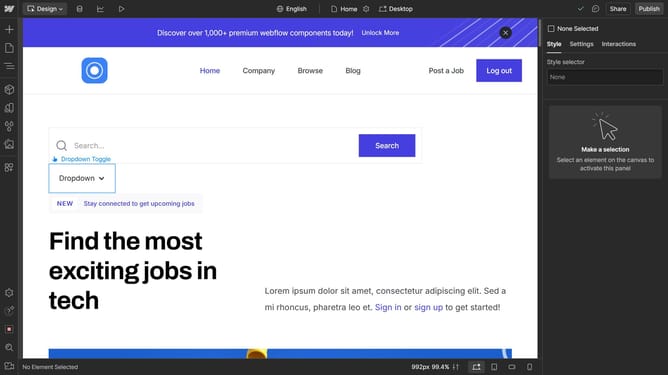
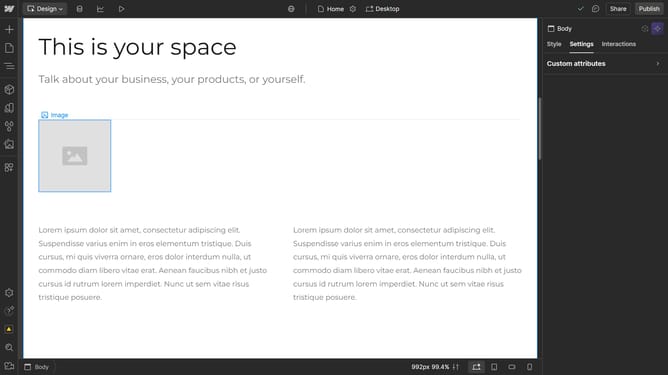
- First click on the dropdown menu element that you want to edit
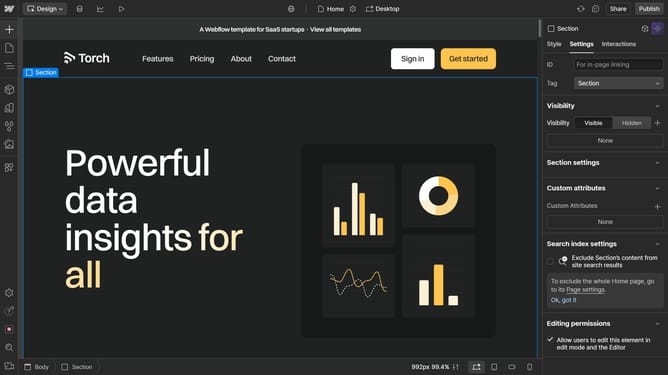
- Next go to "Settings" in the right sidebar
- Find the dropdown settings section
- In menu, select "Show" to make your dropdown visible
- Your menu is now visible, allowing you to edit its content and settings.
- You can also adjust settings to display the menu on hover or click and assign links to each item
Why should you edit drop down menu in Webflow?
Webflow is a powerful platform that blends design, animation, and responsive web development into one streamlined tool.
Editing drop-down menus in Webflow allows for intuitive navigation customization to enhance user experience.
This feature is particularly beneficial as it grants designers the flexibility to tailor each menu to their site's unique needs, while maintaining seamless functionality.
With easy-to-use options and a visually driven interface, modifying drop-down menus becomes an efficient task, promoting both creativity and structural clarity.
Last update