How to add a link to a dropdown in Webflow
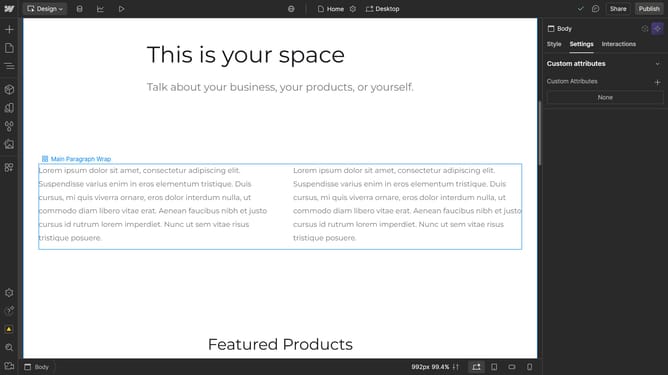
Here is how to add a link to a dropdown in webflow
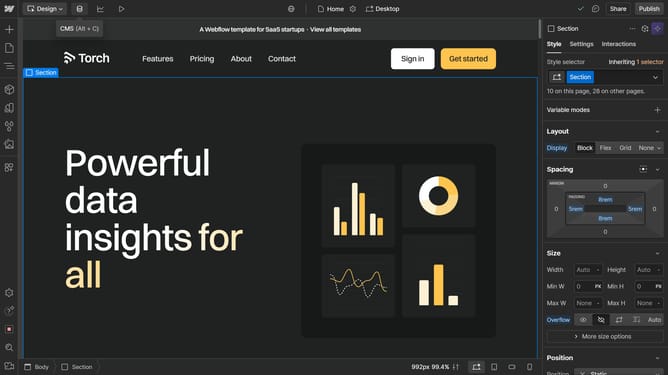
- First click on the "Dropdown Toggle" element in the main content area
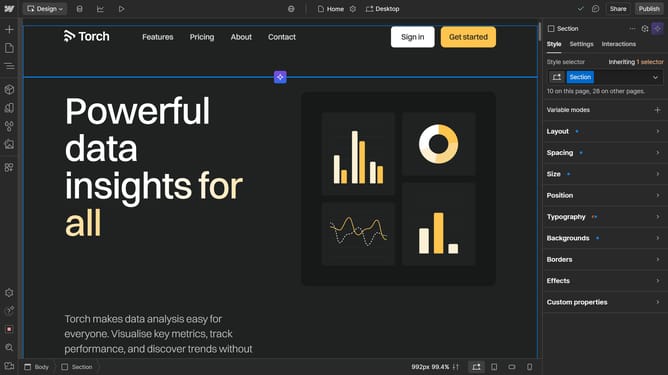
- Then click on the "Settings" tab in the right sidebar panel
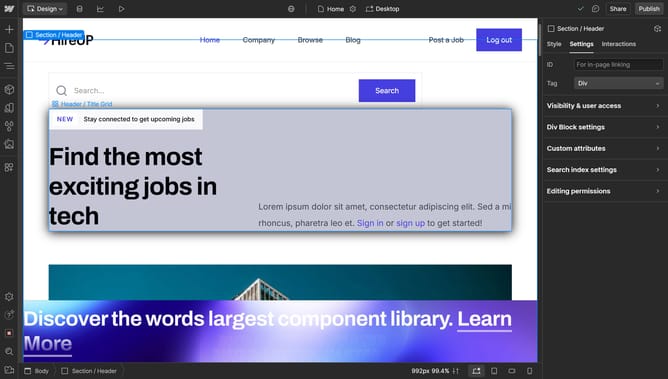
- Next click on the "Dropdown settings" option in the right sidebar settings menu
- Finally click on the "Add Link" button in the Dropdown settings section of the right sidebar
Why should you add a link to a dropdown in Webflow
Webflow is a powerful tool for designers to create websites without coding.
One standout feature is the ability to add links to dropdowns with ease, enhancing navigation and user experience.
This functionality is instrumental in organizing content, directing users to specific sections effortlessly.
By integrating links in dropdowns, you improve accessibility and create a cleaner, more intuitive website layout.
Last update