How to duplicate div blocks in Webflow
Here is how to duplicate div blocks in webflow
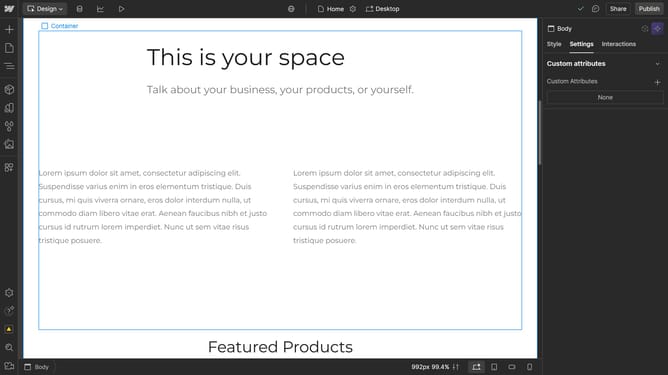
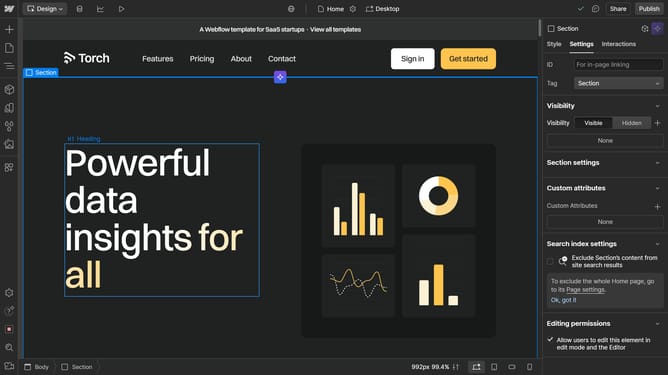
- First click on the "Div Block" element in the content area
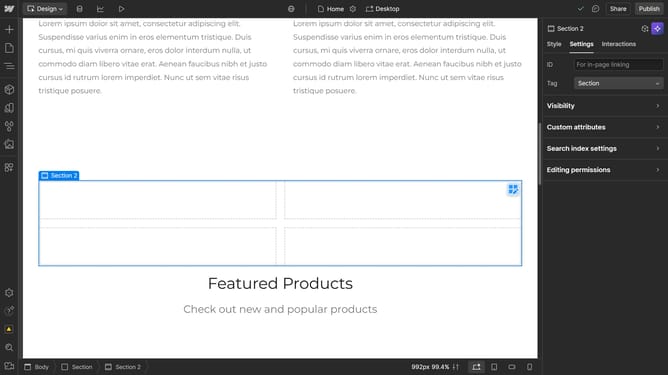
- Then click on the "Navigator" button in the left sidebar
- Next right-click the "Div Block" item from the Navigator panel tree structure
- Finally click the "Duplicate" option from the right-click context menu
Why should you duplicate div blocks in Webflow
Webflow is an intuitive platform designed for crafting professional websites without coding.
One standout feature is the ability to easily duplicate div blocks, a core element in web design that serves as containers for organizing content.
This function streamlines workflow by allowing designers to quickly replicate layouts, ensuring consistency across web pages.
Utilizing this feature enhances efficiency and maintains design uniformity, providing a seamless, creative process.
Last update