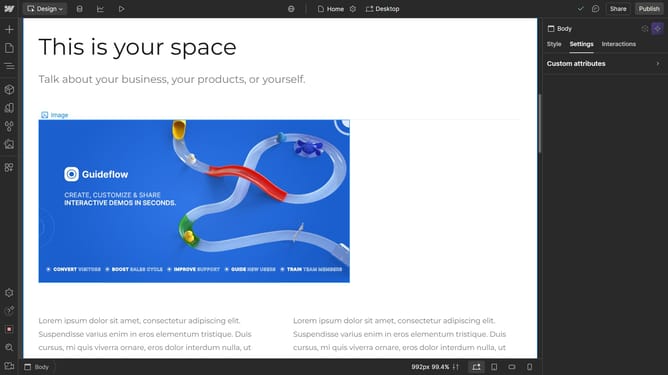
How to change the positioning to Sticky in Webflow
Here is how to change the positioning to sticky in webflow
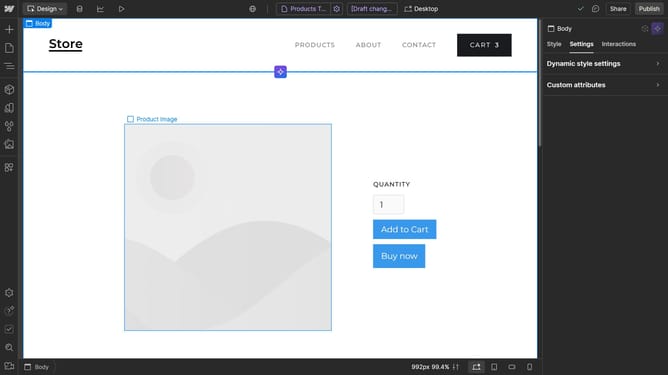
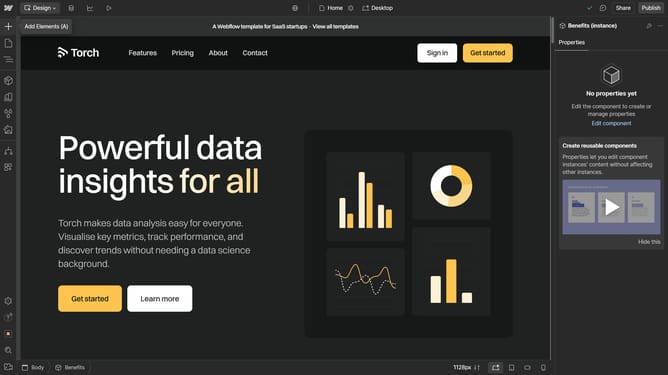
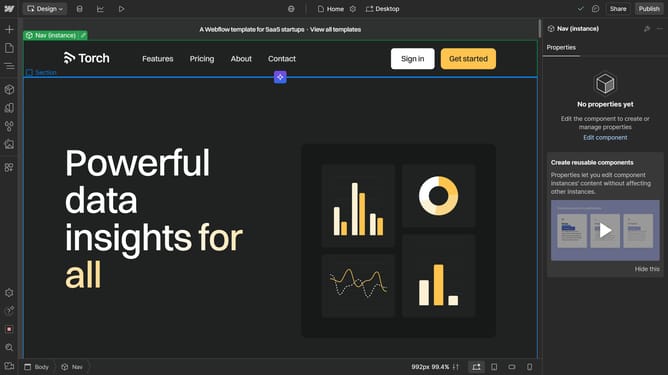
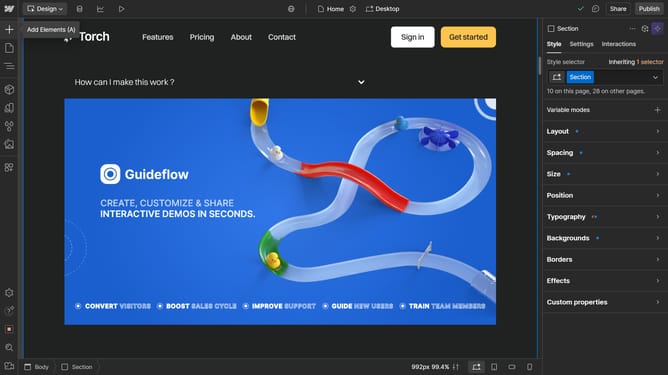
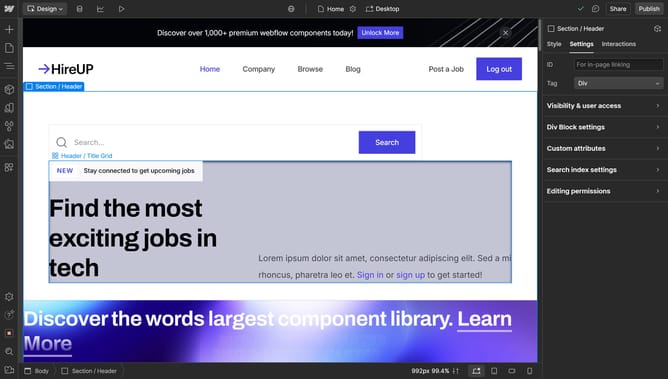
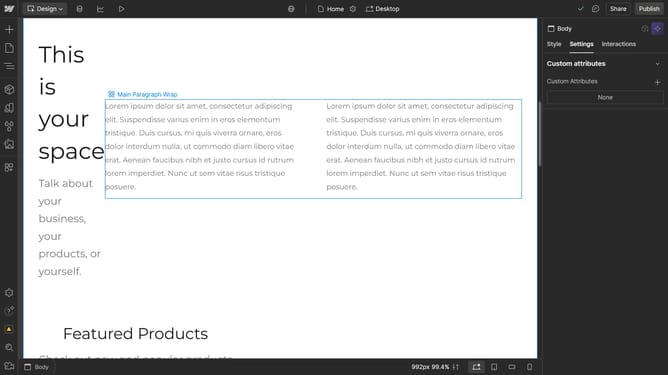
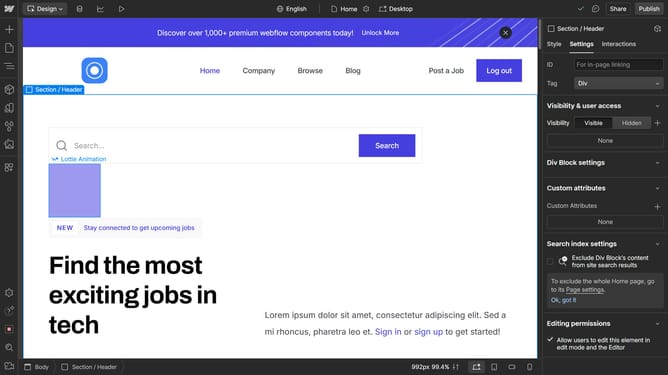
- First click the element you want to reposition
- Then click on the "Styles" tab in the right sidebar
- Next click on the "Position" option in the style settings panel
- Then click the Position dropdown menu in the right sidebar
- Finally click on "Sticky" option in the Position type list
Why should you change the positioning to Sticky in Webflow
Webflow is an innovative web design tool that empowers users to build responsive websites without writing code.
In Webflow, changing a section’s positioning to Sticky enhances user engagement by keeping navigation menus or other key elements in view while scrolling.
This feature offers a modern, polished look and improves usability, making it easier for visitors to access important information.
Embracing Sticky positioning can refine the aesthetics and functionality of your website, ensuring a seamless user experience.
Last update