How to delete a box shadow in Webflow
Here is how to delete a box shadow in webflow
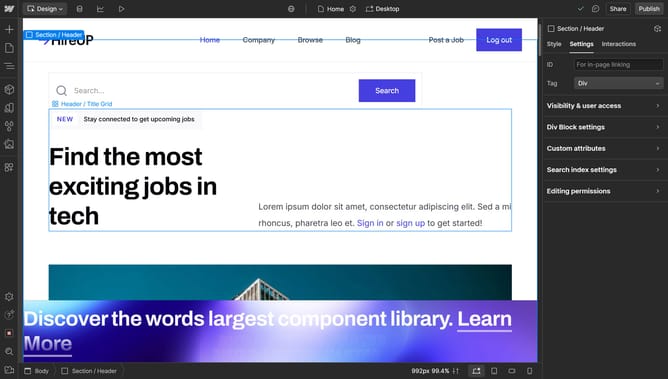
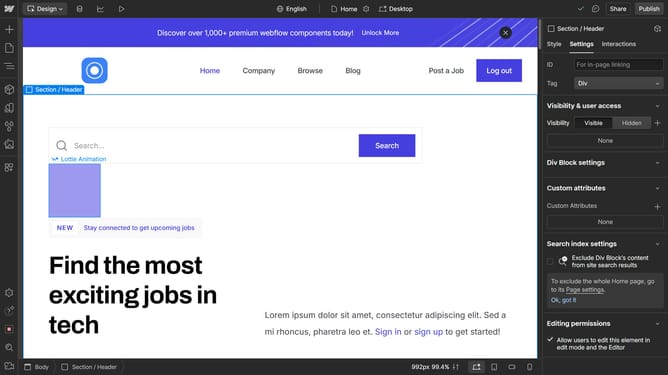
- Select the element that has the box shadow
- Then click on the "Style" tab in the right sidebar settings panel
- Next click on the "Effects" option in the right sidebar settings panel
- Finally click on the "Remove" button in the "Box shadows" section
Why should you delete a box shadow in Webflow
Webflow is a powerful tool that combines the ease of visual design with the flexibility of coding, enabling designers to create stunning websites without compromise.
Removing a box shadow in Webflow can streamline the design, enhancing a website's clarity and focus.
By opting for a cleaner look, designers can direct user attention to crucial elements, improving user experience and engagement.
Use this feature to achieve a minimalist aesthetic that highlights your content's essential aspects seamlessly.
Last update