How to use the colour picker in Webflow
Here is how to use the colour picker in webflow
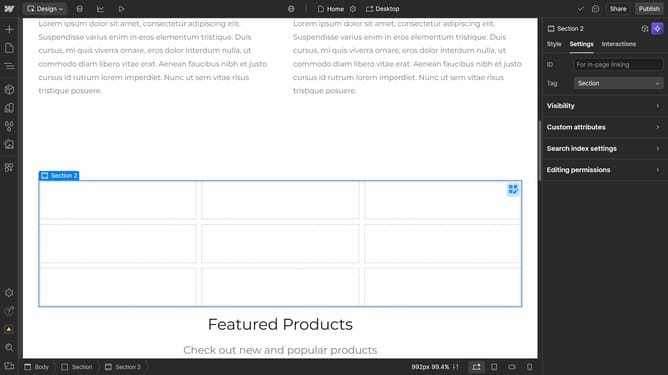
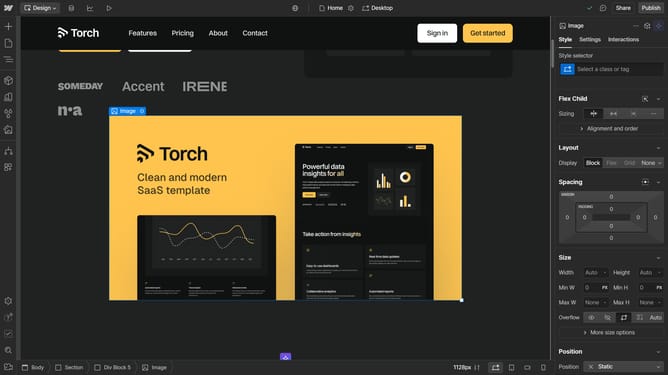
- First click the element you want to use
- Then click on the "Style" tab in the right sidebar settings panel
- Next click on the "Backgrounds" option in the style settings menu
- Then click on the "Color" picker button in the backgrounds section
- Finally click on the color selector icon to choose your desired color
Why should you use the colour picker in Webflow
Webflow empowers creators by offering a seamless platform for building professional websites without coding.
One of its standout features is the intuitive colour picker tool. This tool provides an easy way to enhance your website's aesthetic by selecting, customizing, and applying colours.
The colour picker is crucial in maintaining brand consistency and evoking the desired emotional response from your audience. Utilizing this feature, users can ensure that every visual element aligns perfectly with their design vision, enhancing overall site appeal.
Last update